Avoid These Common JavaScript Code Review Mistakes
🤔 Level up your JavaScript skills! This article highlights common JavaScript code review pitfalls beginners and intermediates often make, providing crucial insights…
Read article
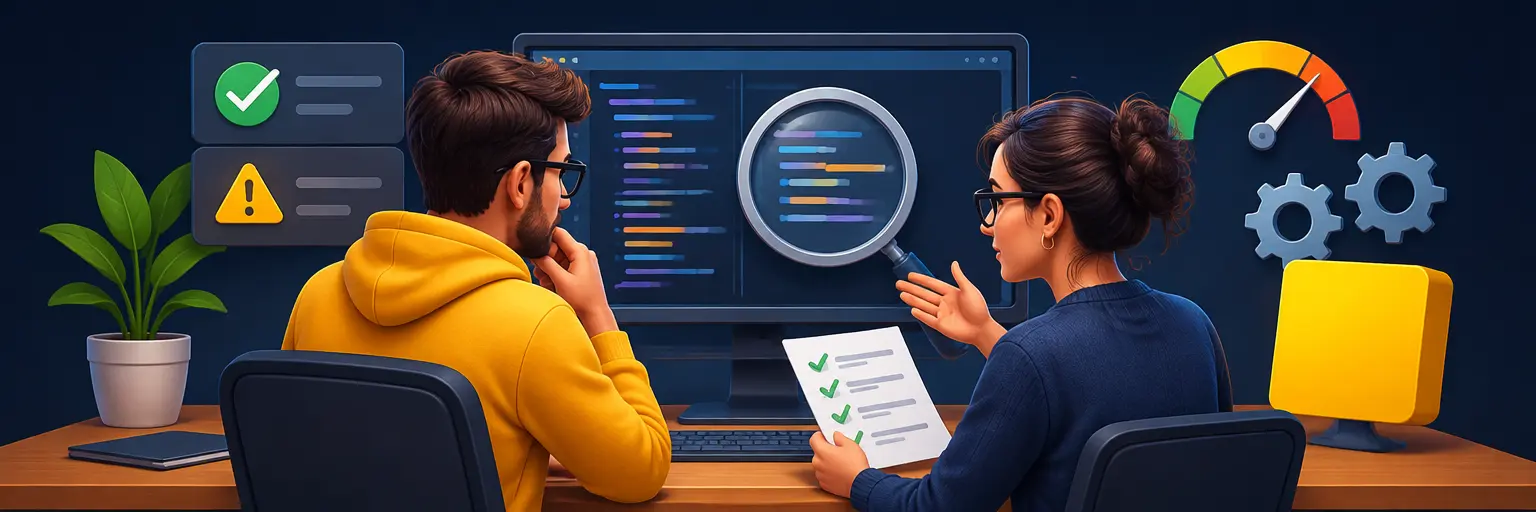
Mastering JavaScript code review best practices is your secret weapon for writing cleaner, faster, and bug-resistant applications. Whether you’re a beginner or leveling up, effective reviews help you spot hidden performance pitfalls, enforce consistent style, and catch logical errors before they reach production. Focus on readability, reusability, and maintainability—not just “does it work.” Prioritize checking for unnecessary DOM manipulations, memory leaks from closures, and async error handling. Use small, frequent pull requests, automate linting with ESLint, and always test edge cases. Remember, a great review isn’t about criticism—it’s about collaborative growth. Adopt a checklist that includes naming clarity, function purity, avoiding global state, and optimizing loops. By integrating these practices, you’ll not only improve code quality but also boost your own debugging speed and long-term project velocity. Make every review count—your future self (and your team) will thank you.
Code review is a critical step in any JavaScript project, yet it’s often rushed or executed inconsistently. For learners on LearnJavaScriptQuickly, understanding best practices for code review in JavaScript projects transforms debugging from a reactive chore into a proactive quality gate. This subcategory focuses on practical, actionable techniques to catch bugs early, improve performance, and maintain readable, maintainable code. You’ll learn how to review not just for errors, but for optimization opportunities, memory leaks, and async pitfalls — all essential for both beginners and intermediates aiming to write production-ready JavaScript.
When you open a pull request or a teammate’s code, start with the most frequent JavaScript mistakes: implicit type coercion, `==` vs `===`, and variable hoisting. In this section, you’ll learn a checklist-first approach that scans for these before diving into logic. Use tools like ESLint with recommended rules, but also manually inspect for global variable leaks and loose equality that can cause silent bugs. Reviewers should ask: “Does this code use `let` and `const` instead of `var`?” and “Are there any `setTimeout` or `setInterval` calls that are not cleaned up?” This proactive review reduces debugging time later and keeps your JavaScript codebase predictable.
Beyond syntax, focus on function scope and closures. A common issue is accidentally sharing mutable state across asynchronous callbacks. In a review, verify that each loop iteration creates a new scope using `let` or an IIFE if needed. Also, check for unhandled promise rejections — these often appear in reviews as missing `.catch()` blocks. By building a habit of scanning for these pitfalls first, you create a safer foundation for any JavaScript project, whether it’s a simple script or a complex SPA. This methodical review also teaches beginners to internalize these rules, making their own code cleaner from the start.
In JavaScript, performance bottlenecks often hide in DOM manipulation and inefficient loops. During a code review, look for patterns like updating the DOM inside a `for` loop, which triggers reflows repeatedly. Instead, recommend document fragments or batching changes. Also, scrutinize array methods — using `.map()`, `.filter()`, and `.reduce()` is elegant, but chaining too many can cause multiple passes over the data. Suggest combining operations or using a single `for...of` loop for large datasets. This section teaches you to profile mentally: review the time complexity of every loop and ask if there’s a faster data structure, like a `Set` for lookups instead of `indexOf()` on arrays.
Another key performance review area is debouncing and throttling for events like `scroll` and `resize`. If you see a direct event listener calling a heavy function, flag it. Recommend using `requestAnimationFrame` for visual updates. Additionally, check for memory leaks caused by detached DOM nodes or forgotten event listeners. In a review, ensure that listeners added in a component’s mount are removed on unmount. By applying these performance review best practices, you not only make the current project faster but also develop an instinct for writing efficient JavaScript that scales. This is particularly valuable for intermediates who want to move beyond “it works” to “it works fast.”
JavaScript’s flexibility means style can vary wildly, but consistency is key for maintainability. In code review, enforce a style guide — whether it’s Airbnb, Standard, or your own — using prettier and eslint to automate most checks. However, the human review should focus on semantic naming and comment quality. Ask: “Does this variable name explain what it holds?” Avoid vague names like `data` or `temp`. Comments should explain the *why* not the *what* — for example, why a particular algorithm was chosen over a simpler one. In this section, you’ll learn to review for function length (keep them short), parameter count (use objects for >3 params), and early returns to reduce nesting.
Another readability best practice is modularization. If a function does more than one thing, suggest breaking it into smaller, testable units. During review, look for long chains of operations that are hard to follow; propose extracting steps into named functions. Also, check for magic numbers and strings — replace them with constants. By prioritizing readability, you make the codebase easier for new learners to understand, which aligns perfectly with the LearnJavaScriptQuickly mission. Consistent style reduce cognitive load, making future debugging sessions far quicker. Remember: code is read more often than it is written, so review for the next developer who will inherit the project.
JavaScript runs in the browser and on servers (Node.js), so security is a top concern. During review, check for XSS vulnerabilities — any place where user input is inserted into `innerHTML` without sanitization. Recommend using `textContent` or a sanitization library. Also, look for improper use of `eval()` or `new Function()` — these are red flags. For Node.js, review for SQL injection if you’re using a database, and ensure that sensitive data (API keys, tokens) is never hardcoded. Error handling is another pillar: every `async` function should have try/catch, and every promise chain should have a catch. In review, ask: “What happens if this API call fails?” Make sure user-facing errors are graceful, not massive stack traces. This proactive approach prevents common security holes and makes your app reliable.
Another subtle security issue is prototype pollution from merging untrusted objects. Review all uses of `Object.assign` or spread on user input. Also, check dependency security — if the project uses npm packages, ensure they’re updated and free from known vulnerabilities. In a review, recommend running `npm audit`. For error handling, encourage centralized error logging rather than `console.log` scattered everywhere. This helps in debugging production issues quickly. By integrating these review practices, you’ll build JavaScript applications that not only function but also withstand attacks and unexpected failures. For learners, this is a great way to understand the real-world responsibilities of a developer beyond just writing syntax.
A code review isn’t just about finding issues; it’s about effective communication. This section focuses on the human side: how to give feedback that is constructive, not critical. Use the “sandwich” method — start with a positive observation, explain the issue, and end with a suggestion for improvement. Avoid “you” statements; instead, say “This function could benefit from…” rather than “You wrote this wrong.” Also, be specific with examples, and link to relevant JavaScript documentation or the LearnJavaScriptQuickly tutorials. For the reviewee, learn to respond gracefully to feedback — don’t take it personally. Treat reviews as a learning opportunity. In a project, set a response time SLA (e.g., within 24 hours) to keep momentum.
Another workflow best practice is to review smaller, more frequent PRs instead of one massive change. This makes the review easier and faster. Use tools like GitHub’s suggested changes or GitLab’s inline comments to keep the discussion in context. Encourage pair reviewers for complex features — one person focuses on logic, another on performance. Also, maintain a living checklist of common issues from past reviews to speed up future ones. This collaborative approach not only improves code quality but also builds team trust. For beginners, participating in code reviews—even as a reviewer of your own work—instills confidence and a deeper understanding of JavaScript nuances. Remember, the goal is collective improvement, not gatekeeping.
The most important first check is for broken syntax and obvious runtime errors — things like undefined variables, missing braces, or wrong function calls. Run the code mentally or use a linter to catch these instantly. Once that’s clear, move to logic errors and async operations. Without a clean syntax baseline, deeper review is pointless, as errors will mask other issues.
For async code, always verify that every `async` function has a `try/catch` or a `.catch()` on its promise. Check for missing `await` — a common bug. Also, ensure that `Promise.all` is used for parallel tasks, but don’t overuse it with multiple large operations that could block memory. Lastly, review that error messages from async failures are meaningful and not swallowed.
Automatic tools like ESLint and Prettier are essential for catching style and common syntax errors, but they cannot replace manual review. They miss logical flaws, performance issues, and security vulnerabilities. Use them as a first pass, then manually review the code’s intent, edge cases, and maintainability. The best approach is a combination: linters for low-level checks, humans for high-level design.
Focus on the code, not the person. Use neutral language like “This section might be clearer if…” and always offer a solution. Praise what works well before diving into improvements. Ask questions instead of making demands, such as “What do you think about handling this case differently?” This encourages dialogue and makes the review feel like a collaborative session, not a critique session.
For beginners, keep reviews educational. Point out not just “what” is wrong, but “why” it’s wrong and “how” to fix it, linking to relevant tutorials. Avoid overwhelming with too many comments — prioritize the top 3-5 issues. Encourage a revision cycle where the learner can resubmit. This turns review into a powerful learning tool, reinforcing best practices from the start of their JavaScript journey.