
APIs, AJAX & Web Application Development
Master the art of connecting your web apps to the world with our APIs, AJAX & Web Application Development hub! 🚀 Whether you’re fetching data, building real-time features, or handling complex integrations, this is your go-to resource for JavaScript API mastery. From the basics of Fetch API and REST principles to advanced topics like GraphQL, WebSockets, and Server-Sent Events, we break down every concept into bite-sized, practical tutorials. Learn to manage API rate limits, error handling, and status codes like a pro, while exploring browser APIs for geolocation, Canvas, and Web Storage to supercharge interactivity. Dive into AJAX and XMLHttpRequest for legacy systems, or embrace serverless functions with AWS Lambda and Azure to scale effortlessly. We also cover payment integrations (Stripe, PayPal), social media APIs, and API versioning strategies—all tailored for beginners and intermediate coders. With step-by-step examples, real-world projects, and SEO-friendly guides, you’ll not only understand how APIs work but also how to design, debug, and maintain them from a front-end perspective.
 Payment APIs in JavaScript - Stripe, PayPal Integration
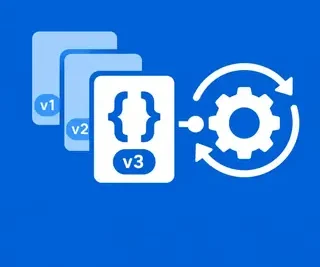 API Versioning and Maintenance Strategies
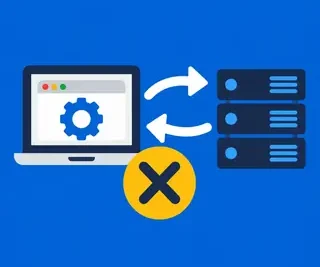 AJAX and XMLHttpRequest in Detail - Legacy API Interaction
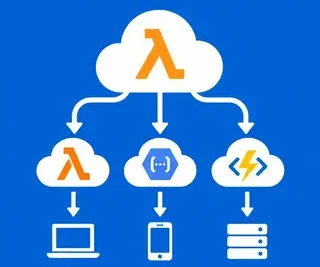 Serverless Functions for APIs - AWS Lambda, Google Cloud Functions, Azure Functions
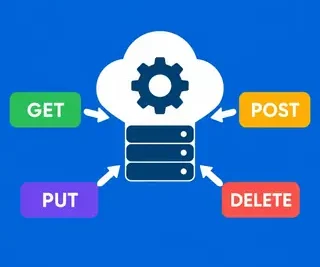 API Request Methods - GET, POST, PUT, DELETE in Detail
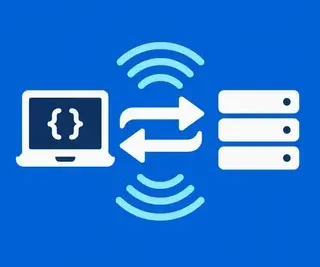 Real-time Communication with WebSockets - Advanced Concepts
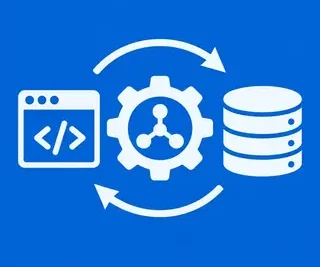 Understanding REST API Principles and Best Practices
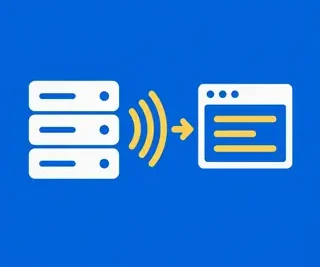 Server-Sent Events (SSE) - Building Real-time Features with SSE
 Introduction to APIs and Web Services - REST and GraphQL
 API Design Principles from a Front-End Developer Perspective
 Social Media APIs - Integrating with Facebook, Twitter, Instagram
 Exploring GraphQL APIs - Advantages and Use Cases
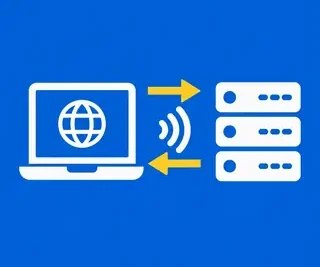 Real-time APIs and WebSockets - Introduction to Real-time Communication
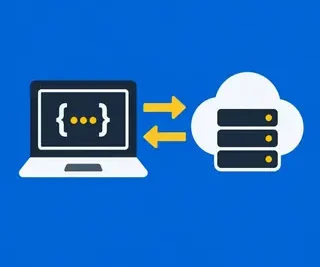 Fetch API Fundamentals - Making Basic API Requests
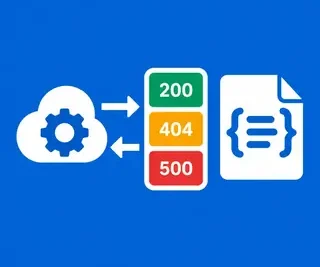 Handling API Responses - Status Codes and Data Parsing
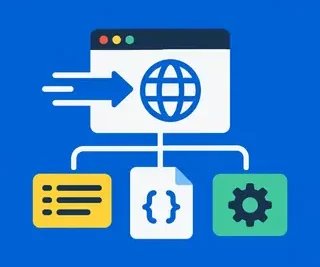 Advanced Fetch API Techniques - Headers, Body, and Request Options
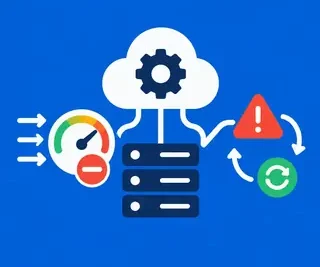 Handling API Rate Limiting and Error Handling Strategies
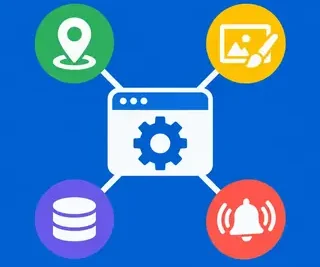 Browser APIs - Geolocation, Canvas, Web Storage, Notifications
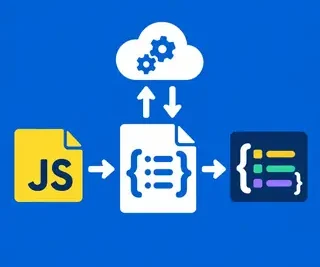 Working with JSON Data in JavaScript - Serialization and Deserialization
Master APIs, AJAX & Web Application Development at LearnJavaScriptQuickly
Ready to move beyond static pages and build dynamic, interactive web applications? This comprehensive category guides you through the entire ecosystem of APIs, AJAX, and modern web development with JavaScript. From foundational REST principles to real-time WebSockets and serverless functions, you’ll gain hands-on skills to fetch, send, and manage data like a pro. Perfect for beginners and intermediate learners, our step-by-step tutorials and practical exercises ensure you code with confidence and speed.
💾 Working with JSON Data in JavaScript - Serialization and Deserialization
JSON is the lingua franca of web APIs. This subcategory demystifies serialization (converting objects to strings) and deserialization (parsing strings back into objects). You’ll master JSON.stringify and JSON.parse, handle nested structures, and manage edge cases like dates and circular references. Expect practical exercises that simulate real API payloads, teaching you to safely transform data for storage, transmission, and rendering. By the end, you’ll manipulate JSON effortlessly, avoiding common pitfalls like undefined values or malformed strings.
🌐 Browser APIs - Geolocation, Canvas, Web Storage, Notifications
Unlock the power of the browser itself. This section covers four essential Browser APIs: Geolocation (user location), Canvas (2D drawing), Web Storage (localStorage/sessionStorage), and Notifications (user alerts). You’ll learn how to request permissions, handle asynchronous callbacks, and create interactive visuals or persistent user preferences. Each API is taught with mini-projects—like a location-based greeting or a drawing pad—so you can immediately see practical results. These skills are crucial for building rich, client-side experiences without heavy dependencies.
🛡️ Handling API Rate Limiting and Error Handling Strategies
No API is perfect, and servers often throttle requests. Here, you’ll learn to anticipate rate limits (e.g., 429 status codes) and implement robust error handling. Discover techniques like exponential backoff, retry with jitter, and caching responses to avoid hitting limits. You’ll also grasp how to gracefully show user-friendly errors, log failures, and degrade functionality. Through real-world scenarios, you’ll build resilient code that survives flaky networks and server hiccups—essential for production-grade applications.
⚙️ Advanced Fetch API Techniques - Headers, Body, and Request Options
Take fetch() beyond the basics. This subcategory dives into customizing HTTP headers (authentication, content-type), constructing request bodies (JSON, FormData, Blobs), and using options like credentials, cache, and signal for timeouts. You’ll learn to upload files, send multipart data, and handle streaming responses. Practical examples include authenticated API calls and progress tracking. These techniques are vital for interacting with modern APIs that demand specific configurations, allowing you to build flexible, secure requests.
📦 Handling API Responses - Status Codes and Data Parsing
Understanding what the server returns is half the battle. This section decodes HTTP status codes—from 200 success to 404, 500, and redirects—and teaches you how to check response.ok, parse JSON, text, or blob data, and handle empty responses. You’ll also learn to read response headers for metadata like pagination or rate limits. Through iterative examples, you’ll develop a systematic approach to inspecting and extracting data, ensuring your app behaves correctly for every possible outcome.
🚀 Fetch API Fundamentals - Making Basic API Requests
Start your API journey here. This foundational subcategory covers the essential fetch() syntax: GET requests, handling promises, and processing JSON responses. You’ll learn the async/await pattern, basic error catching, and how to structure code for readability. Simple exercises—like fetching user data or weather info—reinforce core concepts without overwhelming you. After this, you’ll feel comfortable making your first API calls and ready to tackle advanced features.
🔌 Real-time APIs and WebSockets - Introduction to Real-time Communication
Move beyond request-response with real-time interaction. This intro explains how WebSockets enable full-duplex, persistent connections for live chat, gaming, or stock tickers. You’ll understand the handshake process, how to open/close connections, and send/receive messages. Using the native WebSocket API, you’ll build a simple chat demo. This section clarifies the differences from traditional HTTP, highlighting use cases where real-time shines and when it’s overkill.
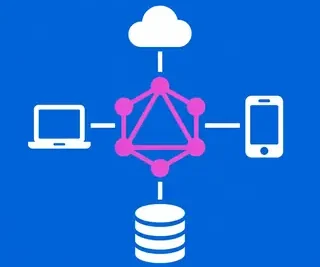
🧩 Exploring GraphQL APIs - Advantages and Use Cases
GraphQL offers a modern alternative to REST. Here, you’ll learn its core ideas: a single endpoint, client-specified queries, and typed schemas. Discover advantages like reduced over-fetching, flexible data retrieval, and self-documentation. We’ll compare it with REST, showing when to choose one over the other. Through hands-on query examples (with variables and fragments), you’ll fetch exactly what you need, making your apps more efficient and maintainable.
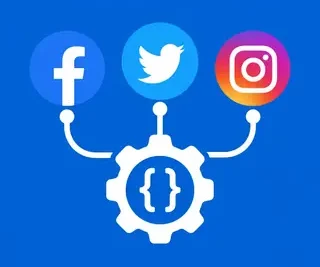
📱 Social Media APIs - Integrating with Facebook, Twitter, Instagram
Connect your app to social platforms. This subcategory guides you through authenticating (OAuth 2.0), posting content, fetching user profiles, and handling permissions for Facebook, Twitter, and Instagram. You’ll learn to use official SDKs or direct REST endpoints. Practical examples include embedding timelines, sharing buttons, or pulling mentions. We’ll also cover important considerations like rate limits and data privacy, ensuring you integrate responsibly and securely.
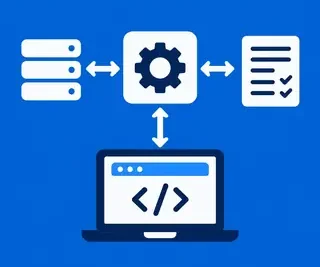
🏗️ API Design Principles from a Front-End Developer Perspective
Great front-end code depends on well-designed APIs. This section flips roles: you’ll learn what makes an API easy to consume. Topics include consistent naming, sensible status codes, clear documentation, versioning, and error message structures. You’ll analyze examples of good versus poor design, and even prototype your own simple API. This perspective helps you write better clients, communicate with backend teams, and debug issues faster.
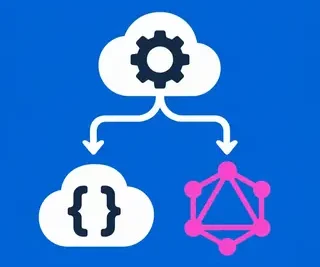
🌱 Introduction to APIs and Web Services - REST and GraphQL
Begin with the big picture. This subcategory defines APIs and web services, explaining how they enable machine-to-machine communication over HTTP. You’ll contrast REST (resources, verbs, statelessness) with GraphQL (single endpoint, query language). Understand key concepts like endpoints, methods, headers, and payloads. With clear analogies and simple examples, you’ll build a mental model that makes later, advanced tutorials easier to grasp.
📡 Server-Sent Events (SSE) - Building Real-time Features with SSE
For one-way real-time updates, Server-Sent Events are a lighter alternative to WebSockets. This section teaches you how to subscribe to a server stream using EventSource, handle auto-reconnection, and process events with custom types. You’ll build a live notification feed or stock price ticker. SSE uses plain HTTP, so it’s simpler to implement and works over standard proxies. Perfect for dashboards, news feeds, or any scenario needing server-to-client pushes.
📚 Understanding REST API Principles and Best Practices
REST is still king. Here, you’ll dive deep into RESTful design: resources, HTTP methods (GET, POST, PUT, DELETE), idempotency, and response codes. Learn best practices like versioning (/v1/), pagination, filtering, and HATEOAS. You’ll see how to structure URLs and use headers effectively. Through examples of CRUD operations, you’ll understand how to interact with well-designed APIs and anticipate their behavior, making your client code reliable and intuitive.
⚡ Real-time Communication with WebSockets - Advanced Concepts
Take WebSockets to the next level. This advanced subcategory covers protocol details, heartbeats, binary data, and handling reconnection with exponential backoff. You’ll learn about subprotocols, message serialization (JSON vs. binary), and managing multiple clients. We’ll also discuss scaling considerations and fallbacks (e.g., polling). Build a multi-user whiteboard or collaborative editor project to apply advanced patterns, ensuring your real-time apps are robust and performant.
🔧 API Request Methods - GET, POST, PUT, DELETE in Detail
Master the four core HTTP methods. Each sub-topic explains semantics, body usage, idempotency, and typical use cases. You’ll experiment with GET (read), POST (create), PUT (update/replace), and DELETE (remove), plus PATCH for partial updates. Learn how to set proper content types, send parameters, and interpret responses. Real-world scenarios—like building a to-do list—reinforce when to use each method, ensuring your API interactions are semantically correct.
☁️ Serverless Functions for APIs - AWS Lambda, Google Cloud Functions, Azure Functions
Deploy APIs without managing servers. This section introduces serverless computing: write small functions that run in the cloud, triggered by HTTP requests. You’ll walk through setting up a simple endpoint on AWS Lambda, Google Cloud Functions, or Azure Functions. Learn to handle routing, environment variables, and CORS. We’ll also cover pricing, cold starts, and testing strategies. This modern approach reduces infrastructure overhead, letting you focus on logic.
🔍 AJAX and XMLHttpRequest in Detail - Legacy API Interaction
Understand the history that shaped modern JS. XMLHttpRequest (XHR) is the precursor to fetch. This subcategory explains its event-driven model, readyState changes, and methods like open() and send(). You’ll learn to handle responses, track progress, and manage errors. While fetch is modern, you’ll still encounter XHR in legacy code or libraries. By mastering it, you’ll be able to maintain older applications and appreciate newer APIs better.
🗂️ API Versioning and Maintenance Strategies
APIs evolve—and breaking changes are inevitable. This section covers versioning strategies: URI (/v1/), header (Accept: application/vnd.api+json), or parameter-based. Learn how to deprecate old versions, communicate changes, and support backward compatibility. You’ll also explore contract testing and documentation tools (like OpenAPI). By understanding these patterns, you’ll build front-ends that gracefully handle updates without breaking user experiences.
💳 Payment APIs in JavaScript - Stripe, PayPal Integration
Monetize your app securely. This subcategory walks through integrating Stripe and PayPal—from creating payment intents to handling webhooks. You’ll learn to collect card details safely with Stripe Elements, process subscriptions, and manage refunds. For PayPal, you’ll implement checkout flows and capture orders. Emphasizing security (never handling raw card data) and idempotency keys, these tutorials give you production-ready patterns for e-commerce.
Frequently Asked Questions
Do I need prior JavaScript knowledge for these API tutorials?
Yes, a basic grasp of syntax, functions, and objects is helpful. Our tutorials assume you know variables and control flow. However, every concept—from fetch to WebSockets—is explained from scratch, so even a beginner can follow with patience. We recommend completing a few beginner JS modules first for smoother progress.
What’s the difference between fetch and XMLHttpRequest?
Fetch is modern, promise-based, and cleaner, while XHR is older and event-driven. Fetch integrates better with async/await and supports streaming, but XHR offers more granular progress events. Use fetch for new projects; learn XHR only for legacy code or specific needs.
How do I handle CORS errors when calling an API?
CORS errors occur when the server doesn’t allow your origin. To fix, ensure the server sends Access-Control-Allow-Origin headers. If you don’t control the server, you can’t bypass CORS client-side—use a proxy service or ask the API provider to whitelist your domain.
Are WebSockets better than polling for real-time data?
WebSockets offer two-way, persistent low-latency communication, ideal for chat or gaming. Polling is simpler but wasteful and laggy. For one-way updates, consider Server-Sent Events. Choose WebSockets for truly interactive features; use SSE for simple pushes.
How can I secure my API keys in client-side JavaScript?
Never expose secret keys in front-end code—they’re visible to users. Instead, use a backend proxy or serverless function, and stick to public keys (e.g., Stripe publishable key). Restrict permissions and educate users on security limits.