API Versioning and RESTful APIs: A Detailed Comparison
🤔 Master REST API versioning best practices! This article compares different API versioning strategies, crucial for maintaining backward compatibility and ensuring smooth…
Read article
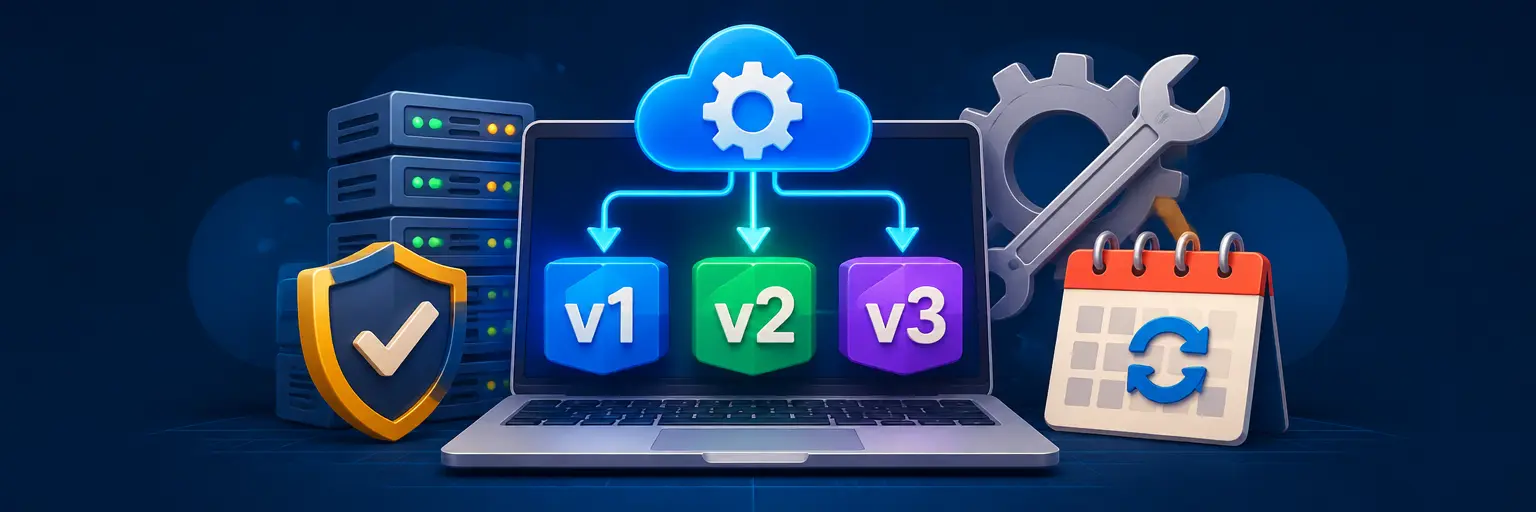
Master API versioning and maintenance to build robust, future-proof web applications. Discover proven strategies for managing breaking changes, deprecating endpoints, and ensuring seamless upgrades—essential skills for any JavaScript developer aiming to ship reliable, scalable APIs. Start with clear versioning rules and keep your integrations smooth and maintainable. 🚀
When building modern web applications with JavaScript, your APIs are the backbone connecting frontend and backend. Without a clear versioning and maintenance strategy, you risk breaking client integrations, frustrating users, and creating technical debt. This subcategory focuses on practical, step-by-step approaches to manage API evolution—from understanding versioning patterns like URI and header-based methods to automating deprecation workflows. Whether you are a beginner integrating your first fetch call or an intermediate developer designing a RESTful service, these strategies ensure your APIs remain stable, scalable, and easy to update.
Versioning your API is essential for controlled change. You’ll learn the three primary methods: URI versioning (e.g., /api/v1/users), query parameter versioning (e.g., ?version=2), and custom header versioning (e.g., Accept: application/vnd.api+json;version=2). Each has trade-offs—URI is simplest for caching and debugging, while header-based is cleaner but harder to test manually. For JavaScript developers, this matters because your fetch calls must align with the client’s expected contract. We’ll show code snippets for each approach, plus real-world examples from popular APIs like Stripe and GitHub.
Choosing the right strategy depends on your audience. If you expose APIs to third-party developers, URI versioning is more discoverable. For internal microservices, header versioning reduces URL clutter. In this section, you’ll also explore semantic versioning (SemVer) for APIs—distinguishing major, minor, and patch changes. This ensures you never accidentally break a dependent app. By mastering these patterns, you’ll make your JavaScript projects more professional and easier to maintain, avoiding the typical “version hell” that plagues many startups.
An API is never truly finished—it retires gracefully. Learn how to announce deprecation with proper notice periods (usually 6-12 months) and migrate users smoothly. You’ll implement deprecation headers (e.g., Deprecation: true) and sunset headers (e.g., Sunset: Wed, 31 Dec 2025 23:59:59 GMT) to inform clients programmatically. For JavaScript developers, this means updating your fetch error handling to check for these headers, then logging warnings to console for easier debugging. We’ll also discuss versioning documentation—using tools like Swagger or OpenAPI to generate changelogs automatically.
Effective deprecation reduces support tickets and churn. This section provides templates for deprecation emails, API changelog entries, and migration guides. You’ll practice building a simple versioned endpoint in Node.js that returns a 410 Gone status for old versions after sunset. By setting clear policies, you’ll not only improve developer experience but also protect your own codebase from bloated legacy paths. For learners, this is a critical skill to include in your portfolio—showing you can think long-term about software lifecycle.
Maintaining multiple API versions requires ironclad testing. You’ll set up automated integration tests using JavaScript frameworks like Jest or Mocha, which run against each active version. Learn to use contract testing (e.g., Pact) to verify that your API responses match the expected schema, preventing silent breakage. We’ll also demonstrate how to configure GitHub Actions or GitLab CI to build, test, and deploy new versions without affecting existing ones. This includes using feature flags to toggle version routes during deployment.
CI/CD pipelines make versioning painless. You’ll understand blue-green deployments and canary releases—rolling out new API versions to a small percentage of traffic first. For a beginner, this sounds advanced, but we break it down into simple steps with code examples using environment variables in your JavaScript server. By automating regression tests, you catch issues before users do. This skill saves hours of debugging and is a major plus for any job application. You’ll leave with a ready-to-use pipeline template for your next project.
You cannot fix what you cannot see. Learn to integrate monitoring tools like Prometheus, Grafana, or simple custom logging in JavaScript (e.g., Winston) to track request rates, error codes, and latency per API version. This helps you identify which version is causing issues—perhaps v1 has a memory leak that only affects older clients. You’ll also implement structured logging with JSON payloads, including version numbers, so you can filter logs easily in tools like Elasticsearch. For beginners, we show how to log to the browser console and server terminal without extra libraries.
Analytics drive maintenance decisions. By analyzing usage patterns, you can decide when to deprecate a version—if v1 has only 2% traffic, it’s a candidate for sunsetting. This section covers setting up dashboards with Google Analytics or custom endpoints that record version usage. You’ll also use error tracking tools like Sentry, which capture stack traces from both client and server, enriched with version info. This proactive approach ensures you’re not blindsided by failures. Remember, a well-monitored API is a well-maintained API—this is a core tenet of professional development.
Great APIs are documented, not guessed. You’ll learn to create interactive documentation using Swagger UI or Redoc, where users can test endpoints directly from the browser. This includes proper descriptions for each version, request/response examples, and error codes. For JavaScript, you’ll also document authentication (e.g., API keys, OAuth2) and rate limits—sections that are often overlooked but critical for maintenance. By using OpenAPI spec, you can auto-generate client libraries, reducing integration errors.
Developer experience (DX) is your product’s front door. We cover how to write clear migration guides from one version to another, including code snippets in JavaScript (both callback and async/await styles). You’ll also implement a /version endpoint that returns the current supported versions and their status. This transparency builds trust. For your own learning, you’ll maintain a changelog file (e.g., CHANGELOG.md) with links to detailed docs. This section emphasizes that maintenance is not just code—it’s communication. A well-documented API reduces support load and makes your project stand out.
Versioning is the practice of defining and exposing different iterations of your API (e.g., v1, v2) to manage changes. Maintenance involves ongoing activities to keep all versions healthy—fixing bugs, security patches, monitoring performance, and eventually deprecating old versions. Think of versioning as the roadmap, while maintenance is the routine car service. In JavaScript development, you handle versioning in your server routes, while maintenance includes updating dependencies and running health checks.
URI versioning (e.g., /api/v1/users) is easiest for beginners because it’s visible in the URL, simple to test in a browser, and requires no extra headers. You just define different route handlers in your Express or Next.js app. Query parameter versioning (?version=1) is also simple but less clean for caching. Header-based is more RESTful but adds complexity for debugging. Start with URI, then explore others as you gain confidence.
A common industry rule is 6 to 12 months after announcing deprecation, but it depends on your user base. If you have many external clients, err on the longer side. Use sunset headers to communicate deadlines. For internal APIs, you can be quicker, but always give at least a month. Monitor usage—once old version traffic drops below 1-2%, you can safely retire it. In your JavaScript code, set a constant for the sunset date and check it regularly.
Yes, but it’s different from REST. For GraphQL, you typically avoid versioning by evolving schemas—adding fields while keeping old ones (deprecated with @deprecated directive). For WebSockets, you can version the message type in the event payload (e.g., {"type":"v2.user.update"}). Alternatively, use a header during the handshake. This is more advanced; start with REST, then apply these patterns once comfortable. In JavaScript, you’ll parse the version from the handshake request.
For JavaScript developers, essential tools include Jest for unit/integration tests, Postman or Insomnia for manual testing, OpenAPI (Swagger) for documentation, SemVer for version naming, and a CI tool like GitHub Actions for automated deployments. Also use logging libraries like Winston, error tracking like Sentry, and metrics like Prometheus. For deprecation, use npm packages like express-version-route. These tools reduce manual effort, but the most important is a consistent changelog.