Mastering Server-Sent Events (SSE) for Real-Time JavaScript Applications
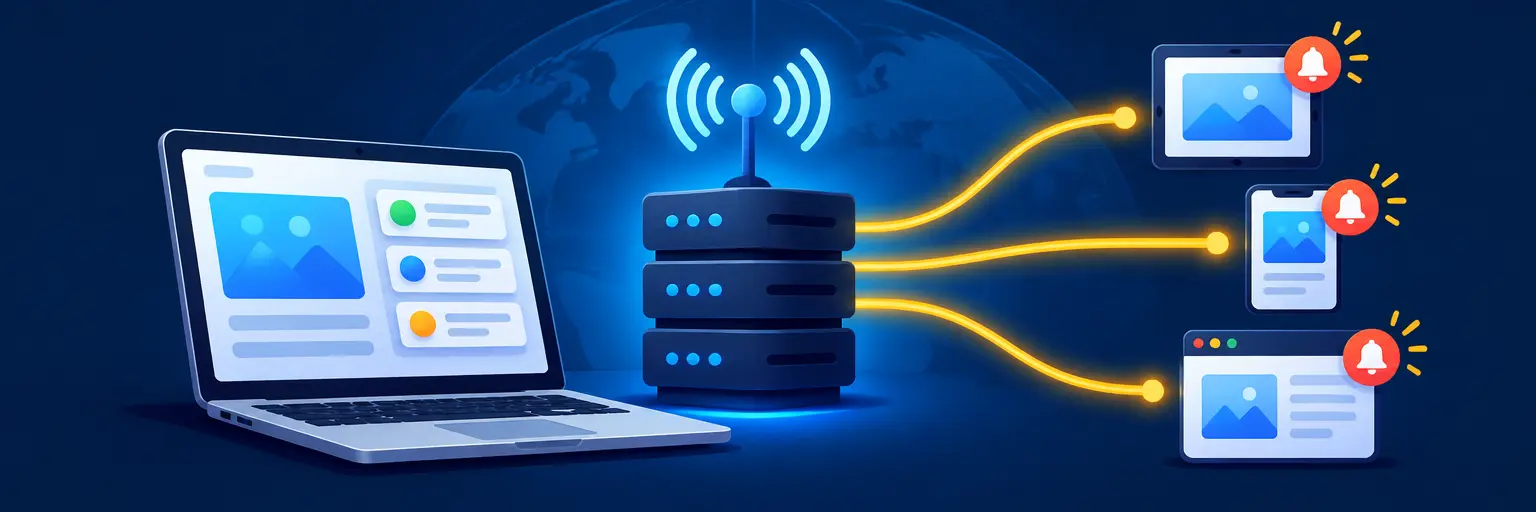
Welcome to our focused guide on Server-Sent Events (SSE), a powerful yet often underutilized technology for pushing real-time updates from your server to the browser over a simple HTTP connection. Unlike WebSockets, SSE is lightweight, built on standard HTTP, and incredibly easy to implement in vanilla JavaScript. For learners on LearnJavaScriptQuickly, this subcategory bridges core AJAX concepts with modern, live-data features like notifications, live feeds, and stock tickers. Here, you’ll move beyond request-response patterns to build truly dynamic web experiences without complex dependencies.
📡 Understanding the SSE EventStream Protocol & JavaScript `EventSource` API
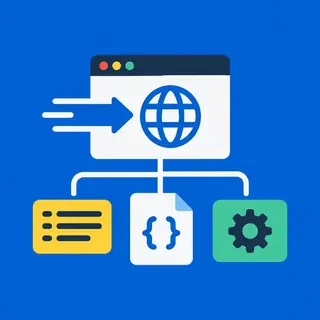
SSE relies on a persistent HTTP connection where the server sends a stream of text/event-stream data. In JavaScript, the global EventSource object handles this elegantly: you instantiate it with a URL, and it automatically reconnects, parses messages, and fires events. You’ll learn the protocol’s core fields (data, id, event, retry) and how to listen to custom events using addEventListener. Expect hands-on examples that show how to open, monitor, and gracefully close a stream, alongside handling connection errors with built-in retry logic.
By mastering the EventSource lifecycle, you’ll see why SSE is perfect for server-to-client communication like live comments or progress bars. This subcategory breaks down the difference between named events and the default message event, plus how to use lastEventId for reliable resume after disconnects. You’ll also learn to set proper MIME types and CORS headers on the server side, ensuring cross-origin streaming works flawlessly in your JavaScript projects.
🔄 Implementing SSE on the Server: Node.js, Express, and PHP Examples
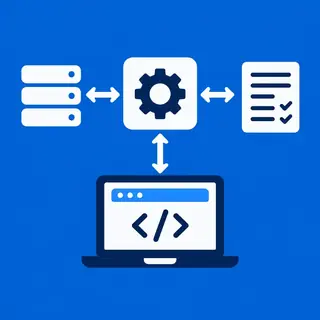
While SSE is a browser technology, the server must be configured to keep the response open and flush data periodically. In our tutorials, you’ll build a minimal Node.js server (using http or Express) that writes Content-Type: text/event-stream and sends heartbeat messages to prevent timeouts. We also provide PHP and Python (Flask) snippets to show the universality of the protocol. Key techniques include setting Cache-Control: no-cache and managing clients via an array or Set to broadcast updates to all connected users.
You’ll practice creating a live clock, a random number generator, and a simple chat room without pulling in Socket.io. The emphasis is on writing clean, memory-efficient code that cleans up listeners when clients disconnect. You’ll also explore how to send JSON payloads and multiple named events from the same endpoint, enabling you to build a modular real-time backend that scales for small to medium projects—perfect for your portfolio.
📊 Real-World Use Cases: Live Notifications, Tickers, and Collaborative Editing
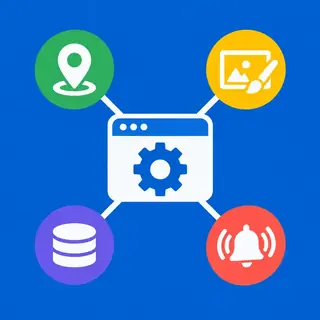
Here, we dive into practical applications where SSE shines. Build a live notification bell that updates the unread count as soon as a new message arrives, or a stock market ticker that refreshes every second without flickering the UI. We’ll also cover collaborative whiteboards and basic document editing, where each user sees changes from others in real time. For each scenario, you’ll learn how to structure server events, manage client state, and design the front-end update logic using DOM manipulation and CSS transitions.
You’ll also understand when not to use SSE—for example, two-way communication or low-latency gaming—and how it compares to WebSockets and long-polling. By the end, you’ll have a clear decision-making framework. Each tutorial includes a step-by-step project, from planning data flow to deploying, ensuring you can integrate SSE into a weather dashboard or a live sports scoreboard with confidence and persuasion for interview scenarios.
🛠️ Debugging, Reconnection Strategies, and Performance Optimization
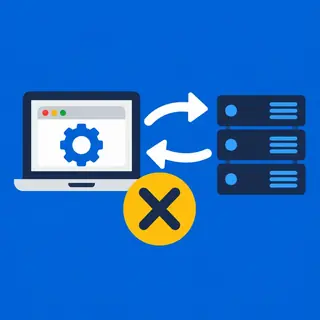
Real-world SSE development requires robust error handling. This section covers monitoring network throttling, detecting dropped connections, and using the browser’s readyState property to log status changes. You’ll learn to implement exponential backoff for reconnections (though EventSource handles basic retry, we show how to override it with custom logic). Performance aspects include batching multiple events into a single HTTP response, using gzip for large payloads, and minimizing server load by broadcasting to a single shared stream when possible.
You’ll also get a debugging checklist: use the Network tab in DevTools to see the stream frames, check response headers for CORS issues, and simulate offline/online mode to test resilience. We’ll show how to add fallback mechanisms for older browsers using polyfills (like EventSource.js). These skills make your JavaScript code production-ready, and you’ll be able to troubleshoot real-time features in any existing application quickly.
🚀 Building a Complete SSE Project: Live Analytics Dashboard (Step-by-Step)
In this capstone project, you’ll combine everything: a Node.js server pushing random page views and user actions, a front-end dashboard that updates charts (using Chart.js) and a list of recent visitors instantly. You’ll modularize your code, handle multiple streams for different data types, and add a pause/resume button using EventSource.close() and reinitialization. The project also includes a login simulation where user-specific events are filtered server-side, showing how to secure SSE with tokens while preserving real-time capabilities.
This hands-on build solidifies your understanding of event-driven architecture and asynchronous JavaScript. You’ll practice writing clean, commented code suitable for a GitHub portfolio. Moreover, you’ll learn to test your SSE app using curl and automated browser tests, ensuring reliability. By the end, you’ll be comfortable shipping a small production-level real-time feature, a significant milestone for any intermediate JavaScript developer looking to impress employers or clients.
Frequently Asked Questions
What is the main difference between SSE and WebSockets?
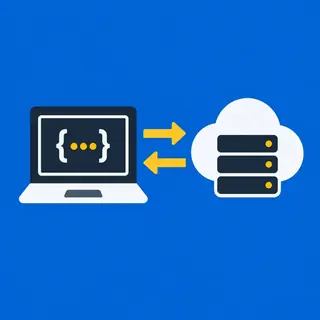
SSE is a one-way (server-to-client) push over a standard HTTP connection, while WebSockets allow full-duplex, low-latency communication. SSE is simpler, supports auto-reconnect and event IDs, and works over HTTP/2. WebSockets are better for interactive two-way apps like games. For most real-time notifications or feeds, SSE is lighter and easier to implement.
Does EventSource automatically reconnect when the connection drops?
Yes, the browser’s EventSource object automatically attempts reconnection after a few seconds (default 3 seconds). You can control the interval by including a retry field in the server’s stream. It also sends the last event ID in a header, allowing the server to resume from where the client left off, ensuring no missed messages.
Can I send binary data or only text via SSE?
SSE is text-only by design, supporting UTF-8 strings. For binary data, you would need to encode it as Base64 or use WebSockets. However, for JSON payloads and simple text updates, SSE is perfectly sufficient. Most real-time UI updates (numbers, messages, statuses) are textual, so this limitation rarely matters.
Is SSE supported in all modern browsers?
Yes, all major browsers—Chrome, Firefox, Safari, Edge, and Opera—support EventSource natively. Internet Explorer does not, but you can use a polyfill like EventSource.js. For production, always feature-detect and provide a fallback (e.g., long-polling) for older browsers.
How do I close an SSE connection from the client or server?
From the client, call eventSource.close() to stop receiving messages and close the connection. From the server, end the response with res.end() or connection.close() in Node. Also, the server should listen for the close event on the request to clean up client references and avoid memory leaks.