Secure Coding in JavaScript: Input Validation and Output Encoding
Welcome to the Secure Coding Practices in JavaScript subcategory, where we dive deep into the two most critical defenses against injection attacks, cross-site scripting (XSS), and data corruption. For beginners and intermediate learners at LearnJavaScriptQuickly, mastering input validation and output encoding is not just a “nice-to-have”—it’s the foundation of building trustworthy, production-ready applications. This page covers real-world techniques, code examples, and practical exercises to help you write JavaScript that resists malicious input and safely renders dynamic content. Let’s harden your coding toolkit. 🛡️
🔍 Why Input Validation Matters More Than Ever
Every piece of data your JavaScript receives—from form fields, API responses, URLs, or browser storage—is untrusted until proven otherwise. Input validation is the first gatekeeper: it ensures that only properly formatted, expected data enters your application logic. Without it, attackers can inject SQL, OS commands, or client-side scripts, leading to data breaches or full system compromise. In modern JavaScript, especially with client-side frameworks like React or Node backends, validation must occur both on the UI layer and the server-side, as client-side checks alone are bypassable. For example, validating an email field with regex prevents malformed inputs that could crash parsers or enable stored XSS.
Effective validation includes whitelist approaches (allowing only known-safe characters) over blacklists, and using built-in utilities like Number.isInteger(), URL.canParse(), or schema validators like Joi or Yup. In this subcategory, you’ll learn how to balance strictness with usability—rejecting malformed inputs early while providing clear feedback. We’ll also cover edge cases like Unicode normalization (e.g., homoglyph attacks) and length limits to prevent buffer overflows in older runtimes. By the end, you’ll implement a reusable validation module that can be shared across your projects, significantly reducing your attack surface.
🖋️ Output Encoding: Your Second Shield Against XSS
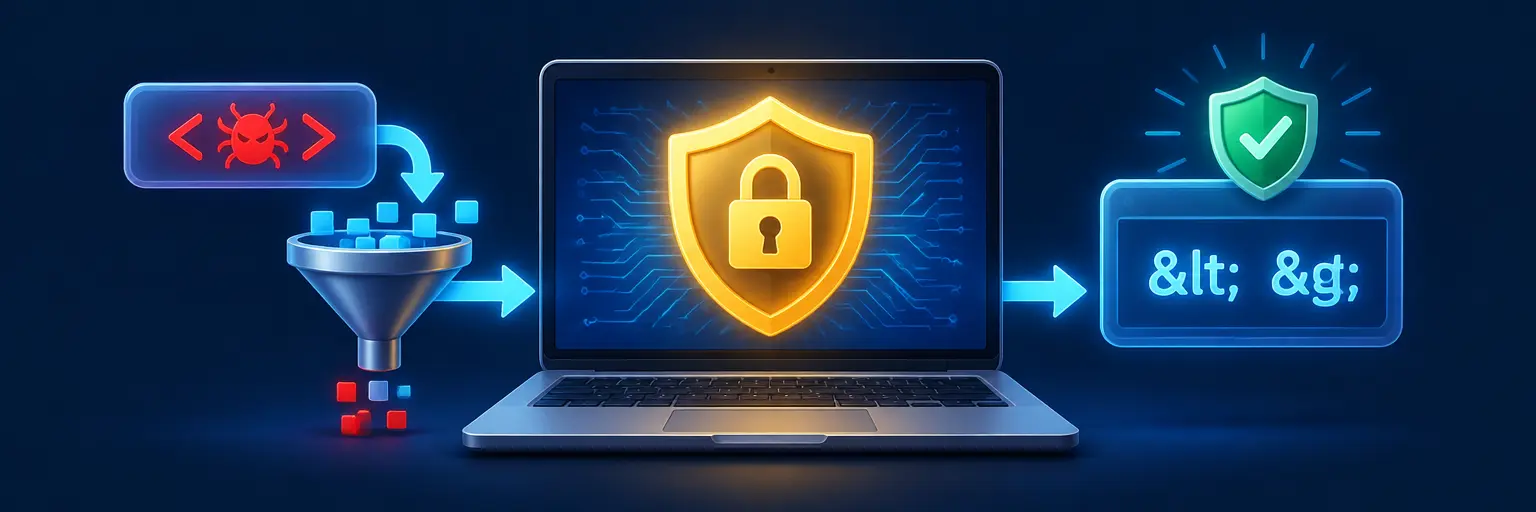
Even if you validate input perfectly, user-controlled data will eventually appear in your DOM—such as in comments, usernames, or search results. Output encoding transforms this data into a safe context before insertion into HTML, attributes, JavaScript strings, or CSS. The classic mistake is using innerHTML with user data directly, which lets attackers craft payloads like <img src=x onerror=alert(1)>. Proper encoding ensures that < becomes <, neutralising the payload. For example, in a React app, JSX escapes by default, but autoescaping can fail when using dangerouslySetInnerHTML—so you must manually encode. This subcategory teaches context-specific encoding: HTML entity encoding, attribute encoding (quote escaping), and JavaScript string encoding for JSON embedding.
We’ll demonstrate using libraries like DOMPurify for sanitising rich HTML and escape-html for lightweight encoding. You’ll also learn when to use textContent instead of innerHTML and how to handle URLs (e.g., preventing javascript: protocol injection). Through interactive examples, you’ll see how a single unescaped character can lead to session hijacking, and how your code can safely render user-generated content without breaking functionality. This is your practical defence against the OWASP Top 10’s XSS category.
🔧 Common Injection Vectors in JavaScript and How to Block Them
Beyond basic XSS, JavaScript applications face command injection (via eval or child_process in Node), prototype pollution (via unsafe merges of user objects), and DOM clobbering (where HTML elements override global variables). For example, an attacker can submit __proto__ as a form key, mutating your object’s prototype and potentially breaking authentication checks. This subcategory walks you through real attack scenarios: how to safely use JSON.parse with recursive merging, avoiding eval and Function constructors, and sanitising paths before file system interactions. We’ll also cover CSRF tokens for state-changing requests and proper handling of Accept headers.
You’ll practice fixing common vulnerabilities in short code challenges: a search box that echoes input unfiltered, a Node endpoint that concatenates shell commands, and a front-end that merges user preferences into a config object. We’ll emphasise the principle of least privilege: never trust input, always validate boundaries, and never directly concatenate user data into executable contexts. By understanding these vectors, you’ll not just patch holes but design your data flow with security in mind from the start—saving hours of incident response later.
🧪 Practical Exercises: Building a Secure Form Handler
The best way to learn secure coding is by doing. In this section, we provide a hands-on project: you’ll build a complete registration form with client-side validation and server-side verification (using Express or a simple Node server). You’ll implement a whitelist regex for usernames (alphanumeric and underscore, 3-20 chars), a password strength validator, and email format check using the WHATWG spec. Then, you’ll encode any error messages before inserting them into the DOM. We’ll guide you through setting up a Content Security Policy (CSP) header to block inline scripts as a second layer. You’ll debug a provided vulnerable version and compare it with your secure version using test cases that include malicious payloads.
Each exercise includes step-by-step instructions, expected outputs, and security checklists. For example, you’ll ensure that your validator rejects inputs like <script>, null bytes, or excessively long strings that could cause denial of service. We’ll also show you how to log failed validation attempts without leaking sensitive details. By completing these exercises, you’ll gain confidence to audit any existing JavaScript codebase for common flaws and fix them systematically. The final project challenge is to create a simple comment box with a bad-word filter (but remember: filter is not a replacement for encoding) and then secure it thoroughly.
🔁 Server-Side vs. Client-Side: Where to Encode and Validate
Many beginners believe that client-side validation is sufficient, but that’s a dangerous misconception. While client-side validation improves user experience, it can be bypassed by simply disabling JavaScript or using curl. Therefore, every security-critical check must be replicated server-side. In this subcategory, we clarify the division of responsibilities: client-side for immediate feedback (e.g., “email format wrong”), server-side for authoritative validation and output encoding before sending HTML responses. For APIs, you’ll also encode data in JSON responses to prevent JSON injection into script tags. We’ll discuss using helmet in Express to set safe headers and how to configure CORS to restrict origins.
We’ll also cover tricky cases like content-type sniffing and using X-Content-Type-Options: nosniff. You’ll learn how to centralise encoding in template engines (e.g., EJS autoescapes but with safe options) and how to write middleware for input sanitisation. Through a comparative table, you’ll see where each layer fails and how they complement each other. The key takeaway: never trust the client, and always encode at the point of output. We’ll provide you with a cheat sheet of functions: sanitizeInput() for server, encodeForHTML() for DOM insertion, and encodeForURL() for query strings. This mental model will keep your applications robust across browsers and environments.
Frequently Asked Questions
What is the difference between input validation and output encoding?
Input validation checks if the data meets a predefined pattern (e.g., email format) and rejects invalid data before processing. Output encoding transforms data to be safe when rendered in a specific context (HTML, attribute, JS) by escaping dangerous characters. Validation reduces risk of malformed data entering; encoding prevents active payloads from executing. They are complementary—you should always do both.
Can I rely solely on client-side validation for security?
No. Client-side validation can be bypassed by turning off JavaScript, using browser dev tools, or sending direct HTTP requests. It is only for UX. Server-side validation is mandatory for any security-critical logic. Attackers have full control over client requests, so your server must enforce all rules independently.
What is a whitelist approach in input validation?
A whitelist defines the exact set of allowed characters, patterns, or values. For example, a username can only contain letters, numbers, and underscores, length 3-20. Anything else is rejected. This is safer than a blacklist (blocking specific bad patterns), because attackers can craft novel payloads that bypass blacklists. Whitelisting is the preferred method.
How do I safely render user-generated HTML without breaking it?
Use a sanitizer like DOMPurify to remove scripts and event handlers while keeping safe HTML tags like <b> or <a>. Never use innerHTML without sanitisation. Alternatively, use textContent for plain text. For frameworks like React, avoid dangerouslySetInnerHTML or always pass through a sanitizer. Sanitisation plus output encoding provides layers of defence.
What is prototype pollution and how can I prevent it?
Prototype pollution occurs when an attacker modifies Object.prototype by injecting properties like __proto__ through JSON or unsafe merges. This can overwrite global object properties, leading to application crashes or security bypasses. Prevent it by using safe merging functions that skip special keys, using Object.prototype.hasOwnProperty checks, or using libraries like lodash.merge with a protect option. Never directly assign user keys to objects.