Accessible Menus and Navigation: JavaScript Solutions
😊 Master accessible JavaScript menu navigation with our step-by-step tutorials! Learn to build inclusive, user-friendly interfaces using practical examples and exercises, perfect…
Read article
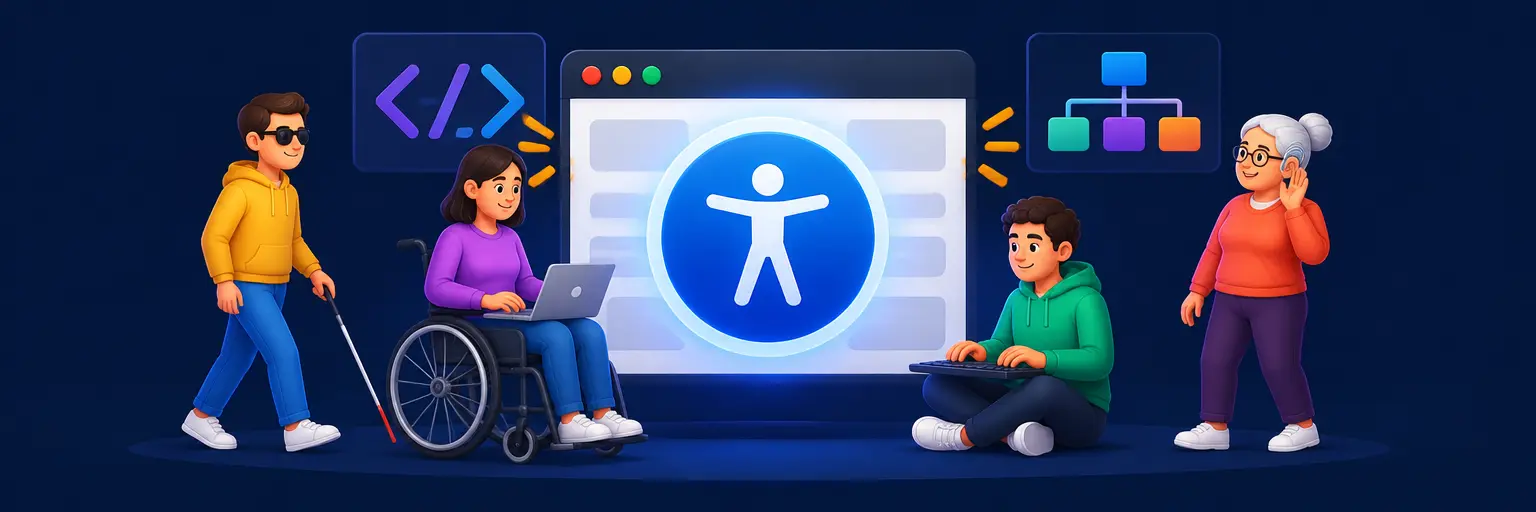
Discover how to make your JavaScript-powered interfaces inclusive and user-friendly with Accessibility (A11y) in JavaScript UI Development. This essential guide walks you through practical techniques for ensuring that dynamic content, interactive widgets, and real-time updates are fully usable by everyone, including those relying on screen readers, keyboard navigation, or assistive technologies. You’ll learn how to manage ARIA attributes, focus management, and semantic HTML within your JavaScript code—turning complex DOM manipulation into accessible experiences. Whether you’re building single-page apps, modals, carousels, or form validations, these strategies help you avoid common pitfalls like missing keyboard traps or unannounced content changes. By prioritizing a11y from the start, you not only meet WCAG standards but also boost your site’s SEO and broaden your audience. Perfect for beginners wanting to build responsibly and intermediates aiming to polish their skills, this resource turns accessibility from an afterthought into a core part of your development workflow.
😊 Master accessible JavaScript menu navigation with our step-by-step tutorials! Learn to build inclusive, user-friendly interfaces using practical examples and exercises, perfect…
Read article
😊 Master accessible JavaScript file upload techniques! This tutorial provides best practices for building inclusive file uploaders, ensuring seamless user experiences for…
Read article
😊 Master accessible JavaScript techniques for beginners! This tutorial unlocks key methods ensuring your web applications are usable by everyone, regardless of…
Read articleWhen you master DOM manipulation and interactive UI development with JavaScript, accessibility (A11y) becomes your superpower—not an afterthought. At LearnJavaScriptQuickly, we guide you through creating dynamic interfaces that are usable by everyone, including people relying on screen readers, keyboard navigation, or assistive technologies. This subcategory focuses on integrating semantic HTML, ARIA (Accessible Rich Internet Applications) roles, focus management, and robust event handling into your JavaScript-driven components. You’ll learn practical techniques to make modals, tabs, dropdowns, and single-page app interactions not only functional but genuinely inclusive, boosting your site’s SEO and user satisfaction simultaneously.
JavaScript often changes page content dynamically, which can confuse assistive technologies unless you explicitly communicate those updates. Here, we break down essential ARIA attributes like role="dialog", aria-live, aria-expanded, and aria-controls. You’ll learn how to pair these with DOM manipulation to announce changes politely or assertively, ensuring screen reader users never miss critical notifications or updates. Practical examples include building an accessible autocomplete search and a live region for form validation errors.
Expect hands-on tutorials that show you how to test ARIA using browser dev tools and screen readers like NVDA or VoiceOver. We emphasize semantic HTML first, using ARIA only when native elements aren’t enough—this reduces maintenance and improves performance. You’ll also learn common pitfalls, such as overusing role="button" on divs, and how to avoid them with proper keyboard and focus patterns.
Interactive UI components must be fully operable via keyboard alone. This section dives into focus trapping for modals, focus restoration when closing popups, and implementing roving tabindex for lists and toolbars. You’ll master creating a visible focus indicator that doesn’t get removed by CSS, and handle Edge cases like focusin and focusout events for complex widgets such as date pickers.
Through real-world projects, we show you how to manage sequential navigation, arrow-key controls, and escape-key closures without breaking browser defaults. You’ll learn to write reusable JavaScript utility functions that automatically manage focus for any custom component, making your code cleaner and your UI more professional. This foundation directly boosts your site’s accessibility score and user trust.
Forms are a core part of interactive UIs. Here, we cover how to handle validation in JavaScript while keeping errors accessible. You’ll use aria-invalid, aria-describedby, and live regions to announce errors immediately after user input, without losing context. We also demonstrate how to link error messages visually and semantically to their respective inputs, and how to prevent screen reader chaos during asynchronous submission.
We provide step-by-step code for building a custom form validator that attaches error messages dynamically, updates aria-live regions, and moves focus to the first invalid field on submit. Additionally, you’ll learn to respect user preferences like reduced motion, and use requestSubmit() to trigger native validation alongside your custom logic. This ensures your forms are not only usable but pleasant for all users.
Not all users interact with a mouse. This section explains how to make your JavaScript event listeners work across keyboard, touch, and pointer devices. We cover pointer events, touch-action CSS, and how to avoid the 300ms delay. You’ll implement drag-and-drop that works with keyboard alternatives, and ensure that click handlers on custom elements are triggered via the Enter and Space keys.
We focus on building interactive sliders, drag-and-drop lists, and swipeable carousels that degrade gracefully. You’ll learn to use element.focus() on mousedown events versus click, and how to manage touch vs. click conflicts. By the end, you’ll have a mental model for writing event handlers that are device-agnostic, improving both accessibility and mobile usability.
SPAs pose unique accessibility challenges, such as managing page title updates, focus on route changes, and preventing content loss for screen readers. This section teaches you to implement an accessible router with JavaScript, updating the document title and moving focus to the main heading after each navigation. You’ll also use aria-current for navigation menus.
We walk you through building a simple SPA with hash-based routing, including a skip-link that works for single-page contexts. You’ll learn proper history.pushState usage and how to announce page transitions with live regions. Moreover, we cover handling async content loading with loading states that are announced correctly. These techniques are crucial for modern frameworks but are taught from raw JavaScript fundamentals, making you a versatile developer.
Semantic HTML uses native elements like <button>, <nav>, and <dialog> that carry built-in accessibility behaviors. ARIA (Accessible Rich Internet Applications) is a set of attributes added to non-semantic or custom elements to fill gaps, such as role="tab" on a div. Always prefer semantic HTML first; use ARIA only when a native element doesn’t exist or its behavior is modified by JavaScript.
Create a function that listens for keydown events. On Tab or Shift+Tab, determine the first and last focusable elements within the modal (buttons, links, inputs, etc.) and loop focus between them. Also, block focus from escaping to the background by using a focus event listener that redirects focus back if it moves outside the modal container.
Live regions, defined with aria-live="polite" or assertive, tell screen readers to announce changes immediately without user interaction. Without them, users are unaware of updates like new search results, error messages, or loading states. This is critical for asynchronous JavaScript operations, ensuring no critical information is missed.
Yes. Implement a roving tabindex where only the active item is in the tab order using tabindex="0", while other items have tabindex="-1". Use arrow keys to move up/down and update the active item’s tabindex accordingly. Also, add aria-expanded to the toggle button and role="menu"/menuitem to match semantics, ensuring screen reader compatibility.
Start with automated tools like Lighthouse, axe, or WAVE to catch common issues. Then manually test using keyboard-only navigation, a screen reader (NVDA on Windows, VoiceOver on Mac), and browser zoom/color contrast checks. Also, verify with real assistive technology users if possible. Combine these with unit tests that check for ARIA attributes and focus management functions.