The Secret to Responsive Controls in JavaScript Games
😊 Master responsive JavaScript game controls! This tutorial unveils the secrets to creating smooth, reliable controls that adapt perfectly to any screen…
Read article
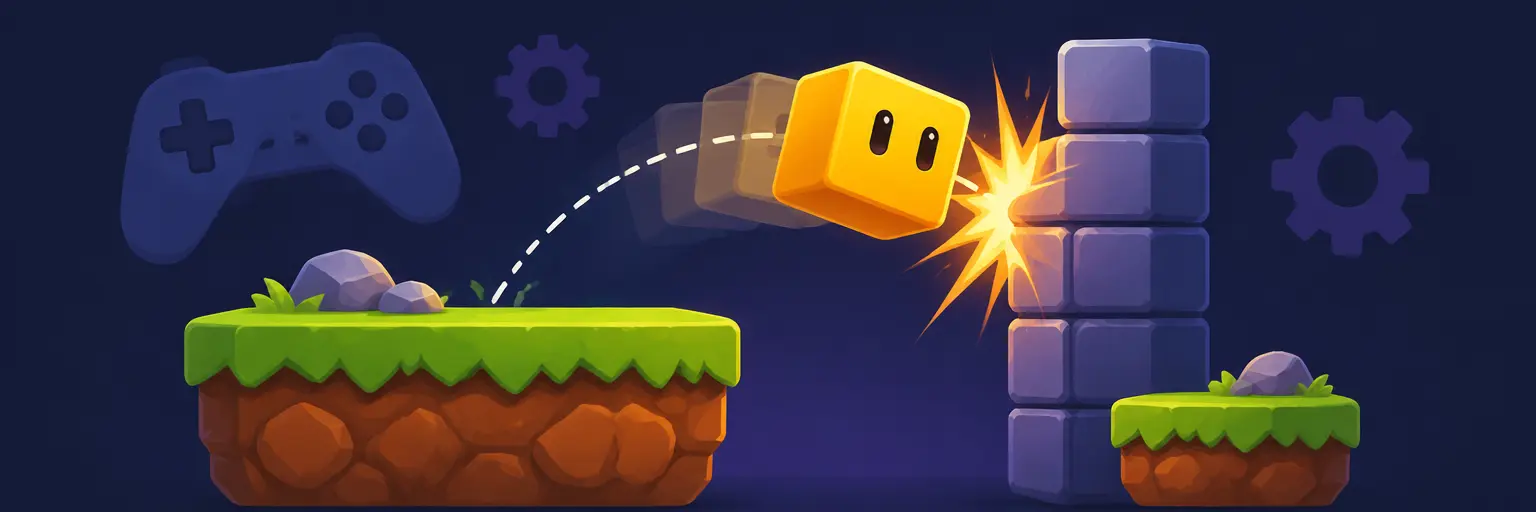
Master the essentials of game development with JavaScript by diving into movement and collision detection—the core mechanics behind every interactive experience. Whether you’re building your first browser-based game or a mini-project, this guide breaks down the physics of sprite movement, velocity, and boundary handling into simple, actionable steps. You’ll learn how to animate objects smoothly using requestAnimationFrame, control direction with keyboard input, and implement AABB (axis-aligned bounding box) collision to make your characters bounce, collect items, or trigger game-over states. Perfect for beginners and intermediate coders, our tutorials use real-world examples and hands-on exercises to solidify your understanding. By mastering these fundamental physics principles, you’ll be ready to tackle more complex simulations like gravity, friction, and object interactions. Start coding today and turn static canvases into lively, responsive worlds—no external libraries needed. With LearnJavaScriptQuickly, you’ll gain the confidence to build games that feel alive, one pixel at a time.

😊 Master responsive JavaScript game controls! This tutorial unveils the secrets to creating smooth, reliable controls that adapt perfectly to any screen…
Read article
🤔 Master smooth game animation with our JavaScript game loop tutorial! This step-by-step guide unlocks the secrets to creating fluid, responsive games…
Read article
😊 Master realistic game physics! This tutorial simplifies JavaScript game collision detection, guiding you through integrating movement and collision mechanics in your…
Read articleWelcome to LearnJavaScriptQuickly’s dedicated subcategory on Basic Game Physics in JavaScript—your launchpad for building dynamic, browser-based games. Here, you’ll master the core mechanics of movement (velocity, acceleration, friction) and collision detection (boundary, AABB, circle) using pure JavaScript. Whether you’re creating a simple platformer, a bouncing ball demo, or a breakout clone, this section equips you with the foundational physics concepts and coding patterns to make your games feel responsive and realistic. Expect hands-on examples, visual diagrams, and performance tips tailored for beginners and intermediate coders.
Master the mathematical backbone of game movement. You’ll learn to update object positions frame-by-frame using velocity (speed in a direction), acceleration (how velocity changes), and friction (which decelerates objects). We break down the classic Euler integration method, showing how to apply it in a game loop with `requestAnimationFrame`. Expect clear code snippets for moving sprites, controlling top speeds, and implementing smooth player controls for keyboard and mouse inputs.
Beyond raw movement, you’ll explore practical tuning: how to set gravity for jumps, create air resistance, and handle variable frame rates to avoid speed inconsistencies. We provide a reusable `PhysicsObject` class you can drop into any project, along with interactive demos where you can tweak values and see immediate visual feedback. By the end, you’ll be confident wiring up character movement that feels natural and predictable, setting the stage for more advanced physics later.
Detecting when game objects touch is essential. We dive deep into two most common 2D collision tests: Axis-Aligned Bounding Box (AABB) for rectangles and circle-circle overlap. You’ll learn the mathematical conditions for overlap, how to implement them in efficient, readable JavaScript functions, and how to handle resolution—pushing objects apart to prevent them from sinking into each other. Code examples include a bouncing ball vs. paddle collision.
We also cover edge cases like corner overlaps and tunneling (fast-moving objects passing through thin walls). You’ll see how to mitigate tunneling via sub-stepping or using swept collision tests. To solidify your understanding, we provide a mini-project: a simple “brick breaker” game where ball-brick and ball-paddle collisions are handled cleanly. This section is the heart of many 2D games, so we keep it thorough yet beginner-friendly.
No game is complete without walls. Learn to constrain objects within the canvas boundaries, handling top, bottom, left, and right edges. We’ll show you how to detect when an object exceeds the bounds and then correctly bounce or wrap it based on your game design. From simple screen-edge bouncing for balls to platformer ground collisions, we provide robust patterns that prevent objects from flying off-screen.
Additionally, we explore the concept of collision response—what happens after a collision is detected. For boundaries, this means reflecting velocity vectors (flipping signs) and clamping positions. We’ll also touch on off-screen culling for performance, where objects outside the viewport are skipped for updates. With clear visual examples and a live sandbox, you’ll implement bulletproof boundary logic that works across device sizes and display ratios.
A solid game loop is crucial for smooth physics. We teach you how to structure your code with `requestAnimationFrame` and the delta time pattern—measuring elapsed time between frames to make movement framerate-independent. You’ll see how to update physics steps, clear the canvas, and redraw objects in a consistent order. We also cover the fixed timestep approach for deterministic behavior, which is essential for networked or replayable games.
Beyond theory, we provide a complete template file you can copy and extend. It includes a physics engine skeleton, update and render separation, and a pause/restart system. You’ll learn how to optimize performance by limiting updates per frame and using spatial partitioning basics. After this section, you’ll have a professional-grade loop that serves as the backbone for any JavaScript game, ensuring your physics run accurately regardless of monitor refresh rates.
Put your knowledge into practice with three guided mini-projects. First, build a Bouncing Ball Simulator with gravity and floor collision. Second, create a Paddle Ball Game (Breakout style) with AABB collisions and score tracking. Third, design a Simple Platformer with rectangle player, ground collisions, and jump physics. Each project includes step-by-step coding instructions, full code walkthroughs, and common pitfalls to avoid.
These projects are perfect for your portfolio and will reinforce every concept learned earlier. We also challenge you with extensions—like adding moving platforms or speed power-ups—to test your understanding. By completing these, you’ll not only master basic game physics but also gain confidence to tackle advanced topics like sprite animation and game state management. All code is downloadable and well-commented for easy integration into your own projects.
When many objects collide (e.g., a particle system or enemy swarm), naive checks cause lag. We introduce broad-phase vs. narrow-phase partitioning, using simple spatial hash grids or quadtrees to reduce collision checks. You’ll learn how to pre-filter candidates before running expensive overlap tests, dramatically improving frame rates. We provide a minimal but effective spatial grid implementation in JavaScript.
We also discuss object pooling to reuse game objects instead of creating new ones, garbage collection pitfalls, and how to profile your game performance in browser DevTools. Even for basic games, these habits ensure smooth 60fps output. With practical benchmarks and before/after examples, you’ll see the impact firsthand. This section prepares you for scaling up from simple demos to full-featured games without performance hitches.
Velocity is the speed of an object in a specific direction (e.g., 5 pixels per frame to the right). Acceleration is the rate at which velocity changes over time—like pressing an arrow key to increase speed. In code, you add acceleration to velocity each frame, then add velocity to position. This creates smooth, realistic motion controlled by input physics.
For rotated rectangles, AABB isn’t sufficient. You need the Separating Axis Theorem (SAT), which checks for overlapping projections along each rectangle’s axes. Implement SAT by projecting both shapes onto each axis and finding if any gap exists. If no gap, they collide. This is more complex but essential for accurate physics in games with tilted objects.
That’s tunneling, caused by the ball moving more than its width in a single frame. Solutions include: sub-stepping (dividing movement into smaller increments), using swept collision (move and test at intermediate positions), or clamping movement to the max allowed speed. For simplicity, many 2D games cap speed or use a fixed timestep with small increments.
Use `requestAnimationFrame`—it syncs with the browser’s refresh rate, pauses when the tab is inactive, and is more efficient. It also provides a timestamp for delta time calculations. `setInterval` can stutter and isn’t optimized for animations. Always prefer rAF for smooth, power-efficient physics updates.
Implement broad-phase partitioning: divide the canvas into a grid (e.g., 32x32 cells) and place each object into its cell(s). Only check collisions between objects in the same or adjacent cells. This reduces checks from O(n²) to roughly O(n). Combine with object pooling to reuse game objects, drastically improving performance for particle systems or crowds.