Master Database Integration with Node.js – MongoDB and PostgreSQL
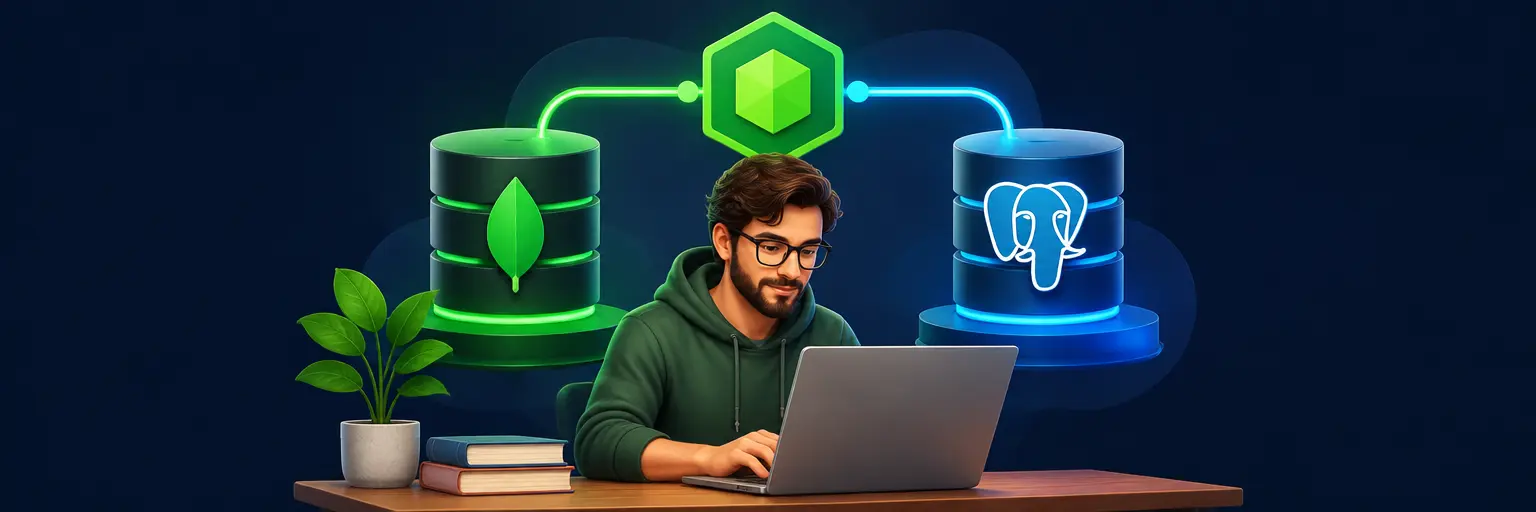
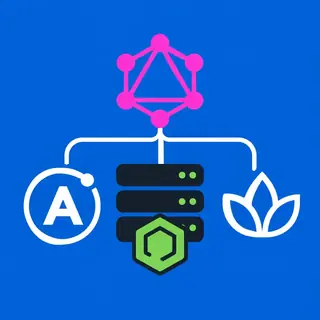
Welcome to the Database Integration with Node.js subcategory at LearnJavaScriptQuickly! Here, you’ll transition from writing standalone JavaScript to building data-driven applications that persist and query information efficiently. This section focuses on two powerhouse databases: MongoDB (a NoSQL document store) and PostgreSQL (a relational SQL database). You’ll learn how to connect, model, and interact with both using Node.js, the event-driven runtime that powers modern server-side JavaScript. Whether you’re building a REST API, a real-time chat app, or a full-stack e-commerce platform, these skills are essential. Expect hands-on tutorials, practical exercises, and project-based learning that will make you confident in choosing the right database for your next Node.js project.
🔌 Connecting Node.js to MongoDB with Mongoose
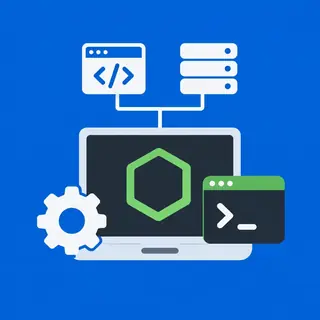
MongoDB is a flexible, JSON-like document database that pairs beautifully with JavaScript. In this section, you’ll learn how to set up a local MongoDB instance, install the Mongoose ODM (Object Data Modeling) library, and establish a reliable connection from your Node.js application. We’ll cover connection strings, environment variables, and error handling to ensure your app stays resilient. You’ll also explore how Mongoose provides a schema-based solution to model your data, giving you structure while retaining flexibility.
Expect to build your first CRUD (Create, Read, Update, Delete) operations using Mongoose models. You’ll learn how to define schemas with data types, validators, and default values, then use methods like find(), create(), and findByIdAndUpdate() to manipulate documents. We’ll also dive into advanced queries, indexing for performance, and population to reference related data. By the end, you’ll be able to design a MongoDB database that scales with your application’s needs, all while keeping your code clean and maintainable.
🗄️ Mastering PostgreSQL with Node.js – Using pg and Sequelize
PostgreSQL is a robust, feature-rich relational database known for its reliability and SQL compliance. Here, you’ll learn two approaches: using the lightweight pg driver for raw SQL queries, and the Sequelize ORM for higher-level abstractions. Starting with pg, we’ll show you how to create a connection pool, execute parameterized queries (to prevent SQL injection), and handle transaction blocks for atomic operations. This foundation is perfect for developers who prefer writing SQL directly.
Then, we’ll transition to Sequelize, which lets you define models and relationships (one-to-many, many-to-many) in JavaScript. You’ll learn how to migrate schemas, perform eager loading with include, and use hooks for automated actions. We’ll also cover best practices for database design in Node.js, including normalization, foreign keys, and the use of UUIDs. By mastering both raw SQL and ORM, you’ll be equipped to choose the right tool for any project, from simple scripts to enterprise-grade APIs.
🧩 Data Modeling and Relationships: Comparing MongoDB vs PostgreSQL
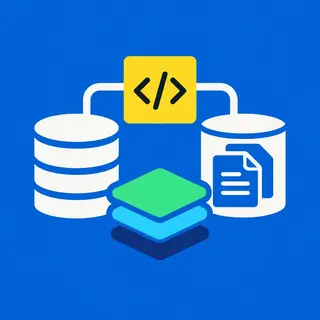
Choosing between MongoDB and PostgreSQL isn’t just about preference—it’s about understanding your data’s shape and how it’s accessed. In this section, we’ll compare document-oriented and relational approaches side by side. You’ll learn when to embed data in MongoDB (e.g., blog posts with comments) versus when to normalize in PostgreSQL (e.g., orders with customers and products). We’ll illustrate these trade-offs with real-world examples, including schema design patterns for MongoDB and SQL table structures for PostgreSQL.
Expect a deep dive into relationships: how to handle one-to-one, one-to-many, and many-to-many in both systems. For MongoDB, we’ll cover referencing and embedding, plus the $lookup aggregation pipeline for joins. For PostgreSQL, you’ll master foreign key constraints, JOIN queries, and cascading operations. Through guided exercises, you’ll practice converting an over-complicated schema into an efficient design, sharpening your ability to make informed architectural decisions. This knowledge is critical for building scalable applications that avoid performance pitfalls.
⚡ Performance Optimization and Best Practices for Node.js Databases
Speed and reliability are non-negotiable in production. This section focuses on optimizing your database interactions from Node.js. You’ll learn about index creation—both in MongoDB (single-field and compound) and PostgreSQL (B-tree, GIN, etc.)—and how to measure query performance using explain and EXPLAIN ANALYZE. We’ll also cover connection pooling, pagination strategies (cursor-based over offset), and caching responses with Redis to reduce database load.
We’ll dive into error handling patterns such as retry logic, graceful shutdown of connection pools, and proper use of timeouts. You’ll also learn to avoid common pitfalls like N+1 queries and synchronous blocking code in an async environment. We’ll include a checklist for production readiness, covering logging, monitoring tools like Grafana or PM2, and security practices like encrypted connections (SSL) and role-based access controls. By the end, you’ll be able to profile and tune your database layer, ensuring your Node.js app remains fast even under heavy traffic.
🛠️ Building a Full-Stack Project: Unified Database Integration
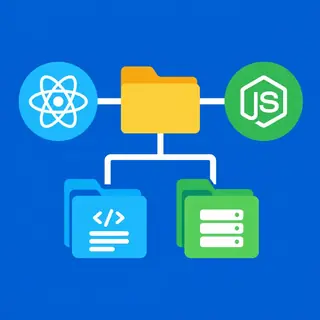
Nothing cements learning like a hands-on project. Here, you’ll build a complete task manager application that uses both databases—choosing MongoDB for user profiles and PostgreSQL for transactional order history (a common hybrid pattern). We’ll walk you through setting up a monorepo structure, initializing both database connections in a single Node.js server, and designing your API to handle multi-database writes with the Saga pattern for consistency. You’ll also implement a simple REST API with Express, complete with input validation and error normalization.
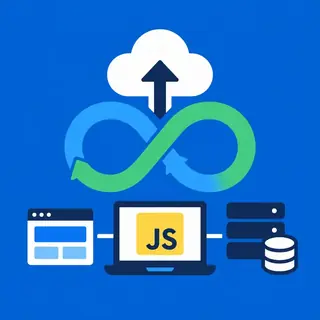
We’ll guide you through testing your integration using Jest and supertest, simulating database failures and rollbacks. You’ll also integrate Docker Compose to run MongoDB and PostgreSQL locally, making your development environment reproducible. The project ends with deployment to a cloud platform like Heroku or Render, with environment variables for secure credentials. This capstone will showcase your ability to architect a real-world system that leverages the strengths of both NoSQL and relational databases, all within the JavaScript ecosystem.
Frequently Asked Questions
Do I need to know SQL before learning PostgreSQL with Node.js?
No, but basic familiarity helps. Our tutorials start with simple SELECT, INSERT, UPDATE, and DELETE commands, explaining each step. If you're new to SQL, we recommend first skimming a quick intro guide, but you'll learn as we build queries with the pg driver. For Sequelize, you don't write SQL directly—the ORM handles it. However, understanding SQL concepts like joins and indexes will make you a better database designer.
Which is better for a beginner: MongoDB or PostgreSQL?
It depends on your project. MongoDB is often easier to start with because it uses JSON-like documents, matching JavaScript objects directly, so there’s less mapping overhead. PostgreSQL is more powerful for complex relationships and transactional integrity. We recommend learning both—start with MongoDB for quick prototypes, then move to PostgreSQL for data-heavy apps. This subcategory gives you a balanced foundation so you can choose confidently.
How do I handle database connection errors in Node.js?
Always wrap your connection logic in try-catch blocks and attach event listeners for error and disconnect. Use a centralized connection module that retries with exponential backoff. For both Mongoose and pg, set connection timeouts and use safe defaults. Also, implement graceful shutdown—close connections when your process receives a SIGTERM. We cover these patterns in the performance section, ensuring your app stays robust during network outages.
Can I use both MongoDB and PostgreSQL in the same Node.js app?
Yes, absolutely. This is called a polyglot persistence pattern. For example, store user sessions in MongoDB (fast, flexible) and billing records in PostgreSQL (strict, transactional). You’ll manage two different client libraries, but as long as you keep them modular—one service per database—the complexity is manageable. Our full-stack project section demonstrates this hybrid approach with best practices for data consistency.
What is the best way to secure database credentials in Node.js?
Never hardcode credentials. Use environment variables stored in a .env file (gitignored) and access them via process.env. In production, use secrets managers like AWS Secrets Manager or Vault. Also, avoid logging connection strings. For both MongoDB and PostgreSQL, enable SSL encryption and use role-specific users with least-privilege access. We’ll show you these setups in the deployment part of the project section.