Troubleshooting Common Deployment Issues in JavaScript
😊 Hitting snags deploying your JavaScript code? This tutorial tackles common deployment issues, providing practical solutions to help you fix JavaScript deployment…
Read article
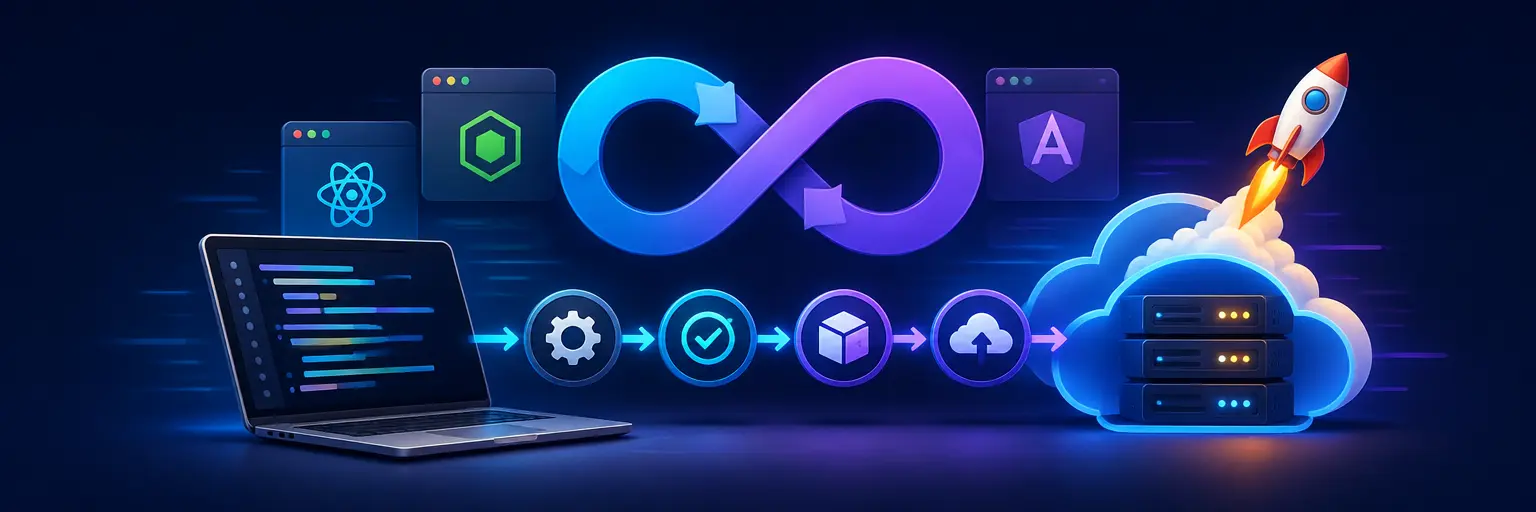
Streamline your full-stack JavaScript workflow with DevOps and deployment strategies tailored for modern frameworks like Node.js, React, and Express. From CI/CD pipelines to containerization with Docker, this subcategory covers everything you need to automate testing, optimize builds, and ship your apps to the cloud—whether on AWS, Vercel, or Heroku. Learn how to monitor performance, manage environment variables, and implement zero-downtime deployments so your projects run smoothly in production. Perfect for developers ready to take their JavaScript skills from localhost to live, this guide ensures your code is not just functional but deploy-ready and scalable.

😊 Hitting snags deploying your JavaScript code? This tutorial tackles common deployment issues, providing practical solutions to help you fix JavaScript deployment…
Read article
🤔 Supercharge your JavaScript apps with this tutorial! Learn how edge computing dramatically improves performance and reduces latency by processing data closer…
Read article
🤔 Discover the exciting JavaScript DevOps future trends shaping development! This article explores emerging practices like serverless functions and automated testing, streamlining…
Read articleWelcome to the ultimate guide for taking your full-stack JavaScript projects from local development to live production. Here, you’ll master the essential tools, strategies, and practices to automate, test, scale, and securely deploy your Node.js, React, and Express apps. Whether you’re a beginner preparing your first deployment or an intermediate dev aiming for CI/CD mastery, this subcategory breaks down complex DevOps concepts into clear, actionable steps. Expect hands-on tutorials, real-world project examples, and deployment checklists tailored for JavaScript ecosystems—all designed to boost your career and confidence.
Learn how to set up automated workflows using GitHub Actions, CircleCI, or GitLab CI. You’ll discover how to run tests, linting, and builds every time you push code, catching bugs early. This section guides you through creating a complete pipeline that deploys to platforms like Vercel, Netlify, or AWS automatically.
Beyond automation, you’ll understand environment variables, secret management, and rollback strategies. We emphasize incremental delivery—breaking large features into smaller, deployable units. By the end, you’ll have a template pipeline you can reuse across projects, ensuring rapid, reliable releases without manual intervention.
Securely manage development, staging, and production environments using dotenv, Node's built-in flag support, and tools like Vault or AWS Secrets Manager. You’ll learn to avoid hardcoding sensitive data and implement configuration as code for reproducibility.
This module covers common pitfalls like environment drift and teaches you how to validate configurations at startup. You’ll also explore containerized environments with Docker Compose to simulate production locally. Expect practical examples for Express backends and React frontends, from API keys to database connection strings, ensuring your app runs flawlessly anywhere.
Containerize your full-stack app into lightweight, portable images. Learn to write Dockerfiles for Node.js, multi-stage builds for smaller images, and manage services using docker-compose for local development. We’ll also introduce Kubernetes fundamentals—pods, deployments, and services—for real-world scaling.
You’ll see how containers eliminate “it works on my machine” problems, making your app deployment-ready. We cover volume mounts, networking between frontend and backend containers, and health check strategies. Whether you deploy to a VPS or cloud, this foundation ensures consistent runtime environments and easier debugging in production.
Implement robust monitoring using Prometheus, Grafana, or cloud-native tools like AWS CloudWatch. Track request latencies, error rates, and memory usage. Set up structured logging with libraries like Winston or Pino, and aggregate logs for centralized analysis.
Performance is critical—learn to enable compression, cache static assets, and profile your Node.js server with clinic.js. We explore real-time alerts for critical failures and use synthetic tests for uptime checks. By integrating these practices, you’ll ensure your JavaScript apps remain responsive and diagnose bottlenecks before users notice any slowdown.
Harden your deployed apps against common vulnerabilities. This includes setting secure HTTP headers, sanitizing user input, and implementing HTTPS via Let’s Encrypt. You’ll also use npm audit and Snyk to scan dependencies for known exploits.
We cover role-based access control for admin panels and API endpoints, plus rate limiting to prevent abuse. Learn to securely connect to databases using SSL/TLS and manage firewall rules. With zero-trust principles, you’ll set up least-privilege IAM roles on cloud providers, keeping your full-stack JavaScript application and user data safe from attacks.
Not strictly, but highly recommended. Docker simplifies dependency management and ensures consistency from local to production. Start with simple deployments on Vercel or Netlify for practice, then adopt Docker when you want more control or need to deploy on your own server.
GitHub Actions is beginner-friendly because it’s integrated into GitHub repositories. You can create a `.github/workflows` file with simple YAML steps for testing and deployment. Alternatives like Netlify’s built-in CI/CD are even simpler if your stack is React-centric.
Use your hosting provider’s secret manager (e.g., Vercel’s env settings, AWS Secrets Manager). In code, access them via `process.env`. Never commit `.env` files to Git. For local dev, use a `.env` file loaded by dotenv.
Log structured JSON with timestamps, request IDs, and stack traces using Pino or Winston. Send logs to a centralized service like LogDNA or ELK. Avoid logging sensitive data. Set up alerts for repeated error patterns.
Use rolling updates (e.g., with Kubernetes) or blue-green deployment strategies. Services like Vercel handle this automatically. For self-managed servers, run two instances behind a load balancer and update one at a time, then switch traffic only after health checks pass.