Setting Up a Testing Environment for React: A Quick Start
😊 Quickly master React testing! This tutorial provides a streamlined guide to setting up your React testing environment, covering essential tools and…
Read article
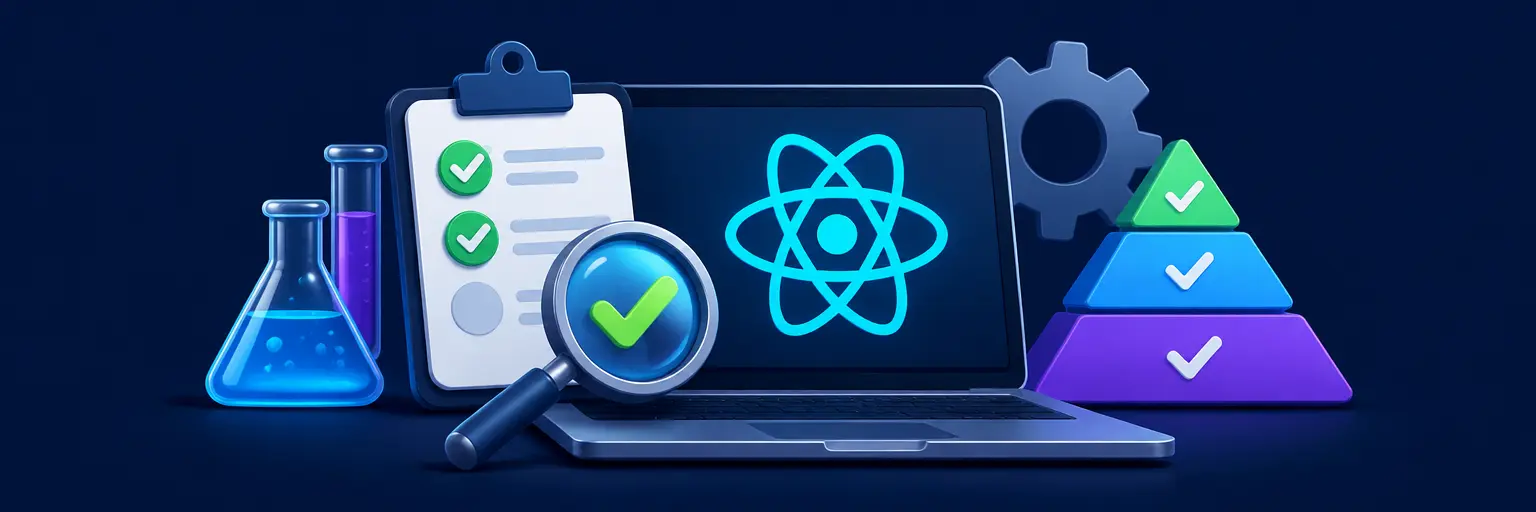
Master the art of building reliable, bug-free apps with our focused guide on Testing React Applications – Unit and Integration Testing. Whether you’re just starting with React or leveling up your full-stack JavaScript skills, this tutorial cuts through the noise to show you how to write tests that actually matter. Learn to use Jest and React Testing Library to verify components, hooks, and user interactions—from isolated unit tests that catch logic flaws early to integration tests that simulate real user flows and data fetching. We cover best practices for mocking APIs, handling async behavior, and structuring test suites for maintainability. By the end, you’ll not only boost code confidence but also speed up development with a test-driven mindset. Perfect for beginners and intermediate learners who want practical, step-by-step guidance—no fluff, just clear examples and exercises. Start testing smarter, not harder, and ship production-ready React apps with ease. 🚀

😊 Quickly master React testing! This tutorial provides a streamlined guide to setting up your React testing environment, covering essential tools and…
Read article
🤔 Boost your React testing confidence! Learn how React testing code coverage metrics pinpoint untested areas in your application, ensuring robust and…
Read articleWelcome to the Testing React Applications subcategory, part of LearnJavaScriptQuickly. Here, you’ll move from building React interfaces to verifying they work flawlessly through unit and integration tests. This is a critical skill for any full-stack JavaScript developer, as robust tests catch bugs early, speed up feature development, and ensure your components behave as expected in real-world scenarios. Expect hands-on, step-by-step guidance using modern tools like Jest and React Testing Library, all tailored for beginners and intermediate learners aiming to ship reliable code with confidence.
Before writing your first test, you need a smooth, production-ready testing setup. In this section, you’ll learn how to configure Jest with Create React App or Vite, add React Testing Library for user-centric queries, and integrate jsdom for a browser-like environment. We’ll cover essential configuration files, script commands, and how to handle CSS and asset mocks. You’ll also discover how to run tests in watch mode and generate coverage reports to see which parts of your code are untested. By the end, you’ll have a reusable setup that works for both small components and large applications.
This foundation is crucial because a misconfigured test runner can waste hours. We’ll show you common pitfalls, like missing Babel presets or incorrect module paths, and how to fix them quickly. You’ll also learn to structure your test files (e.g., colocating `Component.test.js` or using a `__tests__` folder) to keep your project organized. With this setup, you can focus on writing meaningful tests rather than debugging tooling, making your development loop faster and more enjoyable.
Unit testing focuses on a single component in isolation, ensuring its props, state, and rendering logic work correctly. Here, you’ll practice rendering components with render from React Testing Library, simulating user events with fireEvent and userEvent, and asserting element presence using queries like getByText and getByRole. We’ll cover testing conditional rendering, click handlers, form inputs, and async state updates (e.g., fetching data with waitFor). You’ll also learn to mock child components and external APIs to keep tests fast and deterministic.
Beyond basic checks, we’ll explore testing accessibility roles and proper ARIA attributes, which improves your app’s usability. You’ll see real examples like a Counter component, a Login form, and a TodoItem with delete functionality. Each example includes error messages that help you debug failures. By mastering unit tests, you’ll gain immediate feedback on each component’s behavior, making it easier to refactor code without fear of breaking functionality.
Integration tests verify how multiple components work together, simulating a real user flow. You’ll build tests that render a parent component with several children, pass data via props or context, and trigger events that update multiple parts of the UI. We’ll cover testing React Context providers, custom hooks, and state lifted to parent components. You’ll also learn to mock network requests with MSW (Mock Service Worker) to simulate API responses and test loading, success, and error states for pages like a dashboard or product list.
These tests are more realistic than unit tests but still run in a lightweight environment. We’ll guide you through creating a test plan, deciding what to include (e.g., navigation between routes using MemoryRouter) and what to mock. You’ll practice with common scenarios like adding an item to a cart, updating user preferences, or submitting a multi-step form. By combining components, you’ll catch integration bugs that isolated tests miss, such as improper prop drilling or missing state updates.
Real apps depend on external services, timers, and browser APIs, which can make tests flaky or slow. This section dives into robust mocking strategies. You’ll learn to mock fetch calls, third-party libraries (like Axios or Stripe), and even custom utilities using jest.mock and jest.spyOn. We’ll cover mocking React hooks like useEffect and useContext with simple factory functions, plus how to mock localStorage and IntersectionObserver for component behavior. You’ll also master fake timers with jest.useFakeTimers() to test debounced inputs or animations.
We’ll emphasize the AAA pattern (Arrange, Act, Assert) to keep tests readable, and teach you how to avoid over-mocking, which can hide real bugs. You’ll see practical examples, like mocking a Redux store or a custom data-fetching hook, to ensure your tests are both reliable and maintainable. With these techniques, you can test components that depend on complex ecosystems without spinning up a server, resulting in fast, deterministic test suites.
Writing tests is only half the battle; ensuring they stay effective over time is key. Here, you’ll learn how to measure code coverage with Jest’s built-in reporter, interpret the thresholds, and target critical paths like event handlers and conditional branches. We’ll share best practices for naming tests, keeping them isolated, and avoiding testing implementation details (e.g., using data-testid sparingly). You’ll also discover how to run tests in parallel, split suites for large projects, and use CI/CD pipelines with GitHub Actions to run tests on every commit.
Performance matters: we’ll show you how to reduce test time by mocking heavy animations, using act() correctly, and avoiding unnecessary rerenders. We’ll also discuss when to skip integration tests in favor of end-to-end (E2E) tests, and how to maintain a healthy test pyramid. By the end, you’ll have a systematic approach to keep your test suite fast, readable, and valuable—ensuring you ship React apps with fewer regressions and more confidence.
Not every component. Focus on components with complex logic, user interactions, or critical business rules. Simple presentational components with no behavior often don’t need dedicated tests. Aim for high coverage on logic-heavy code, but prioritize meaningful tests over arbitrary coverage percentages.
Unit testing isolates a single component, mocking its children and dependencies. Integration testing renders multiple components together, verifying their interaction and state flow. Unit tests are faster and pinpoint failures, while integration tests catch issues when components communicate, like missing props or incorrect callbacks.
Use a library like Mock Service Worker (MSW) to intercept network requests at the service worker level. Alternatively, mock the global fetch with jest.fn() and return a Promise with a mock response. Ensure you use waitFor to handle async updates after the promise resolves.
React Testing Library is the modern standard, encouraging tests that mimic user behavior rather than implementation details. Enzyme has been deprecated for React 18+. We recommend React Testing Library with Jest—it’s officially supported, has better accessibility queries, and simplifies integration testing with React 18.
Mock heavy network calls, timers, and animations. Run tests in parallel using Jest’s workers, and use only to run a single test during development. Also, avoid rendering large components unnecessarily—mock child components when their behavior isn’t relevant. Finally, keep your test environment lean by minimizing global polyfills.